Features
Themes
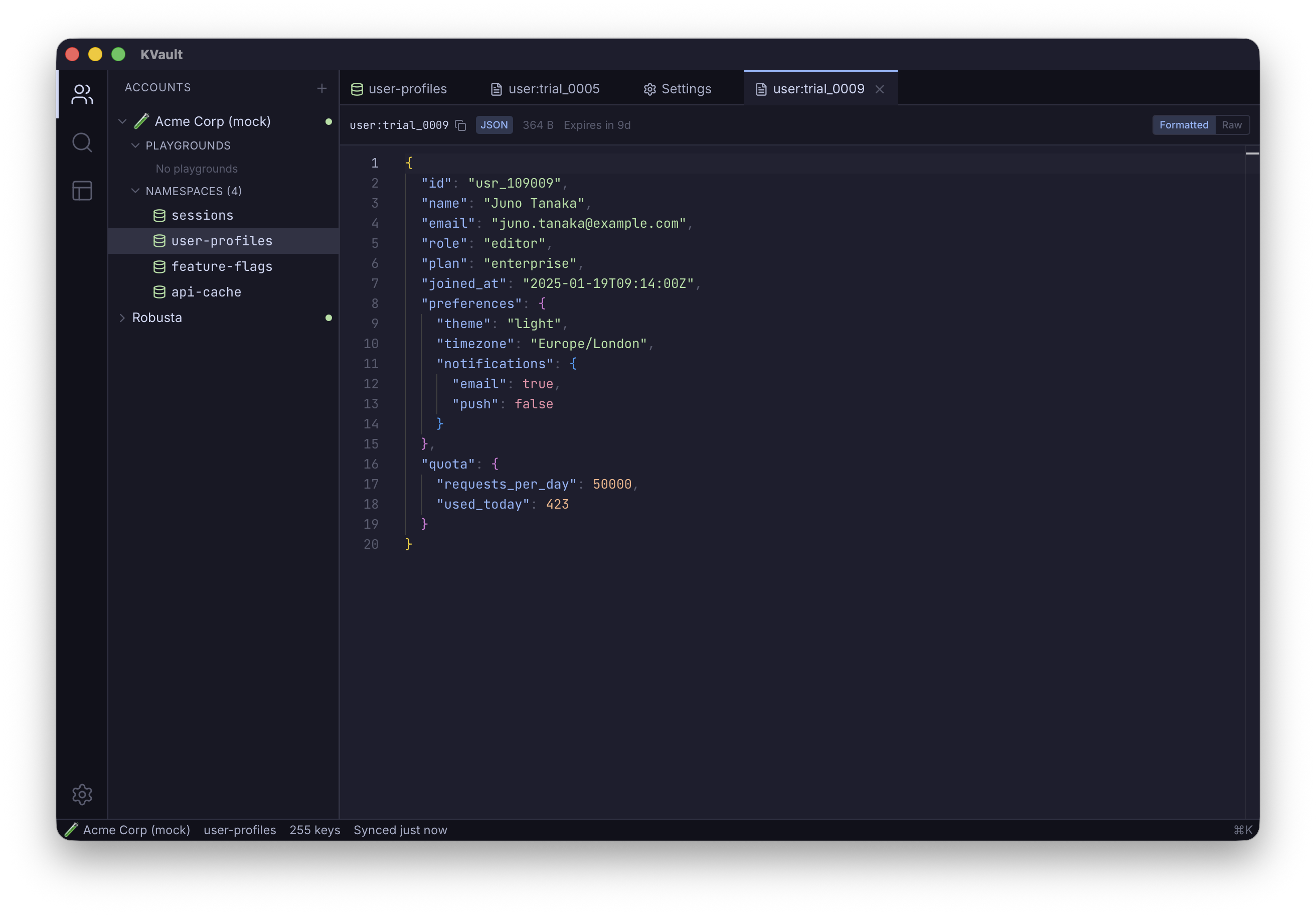
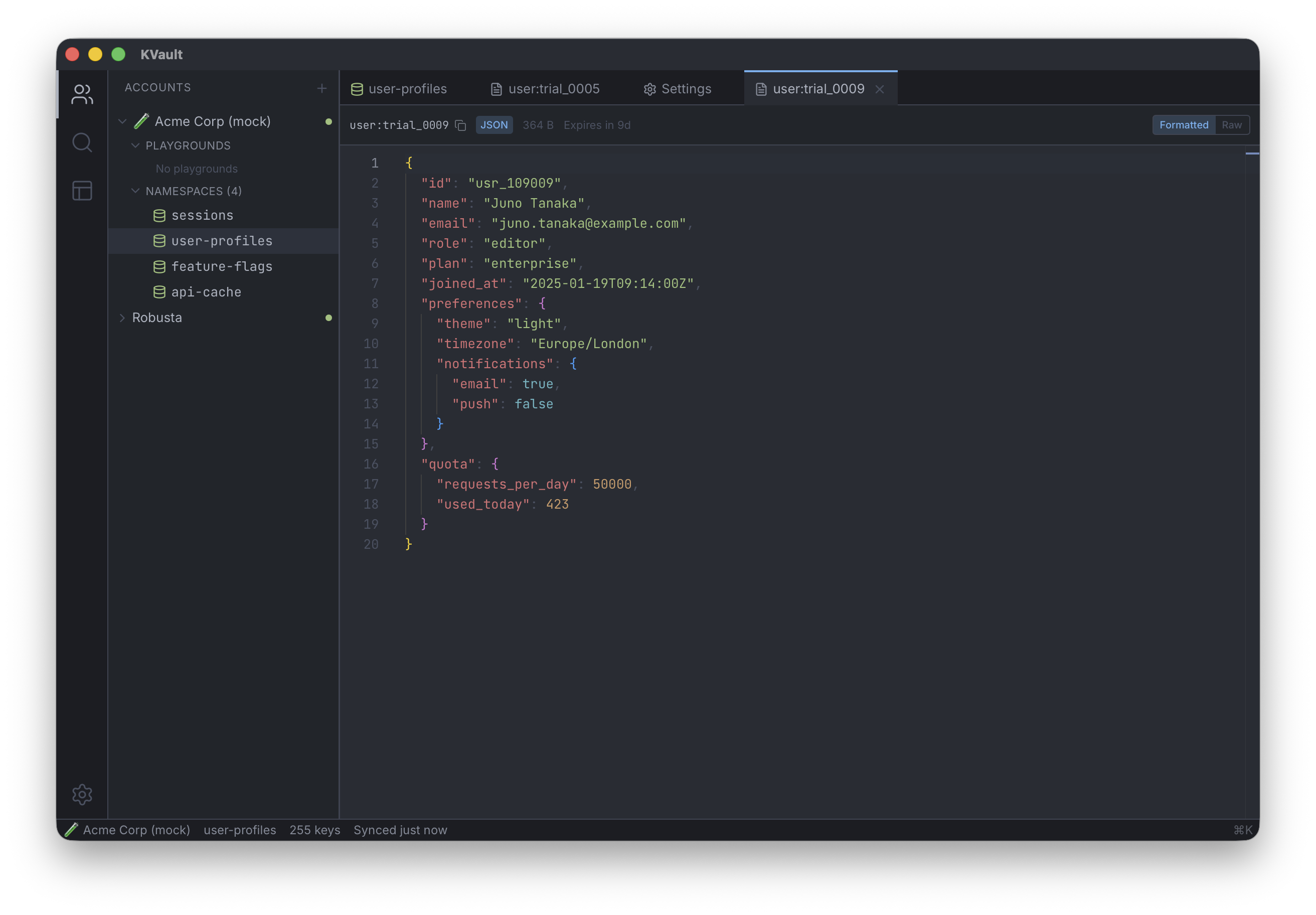
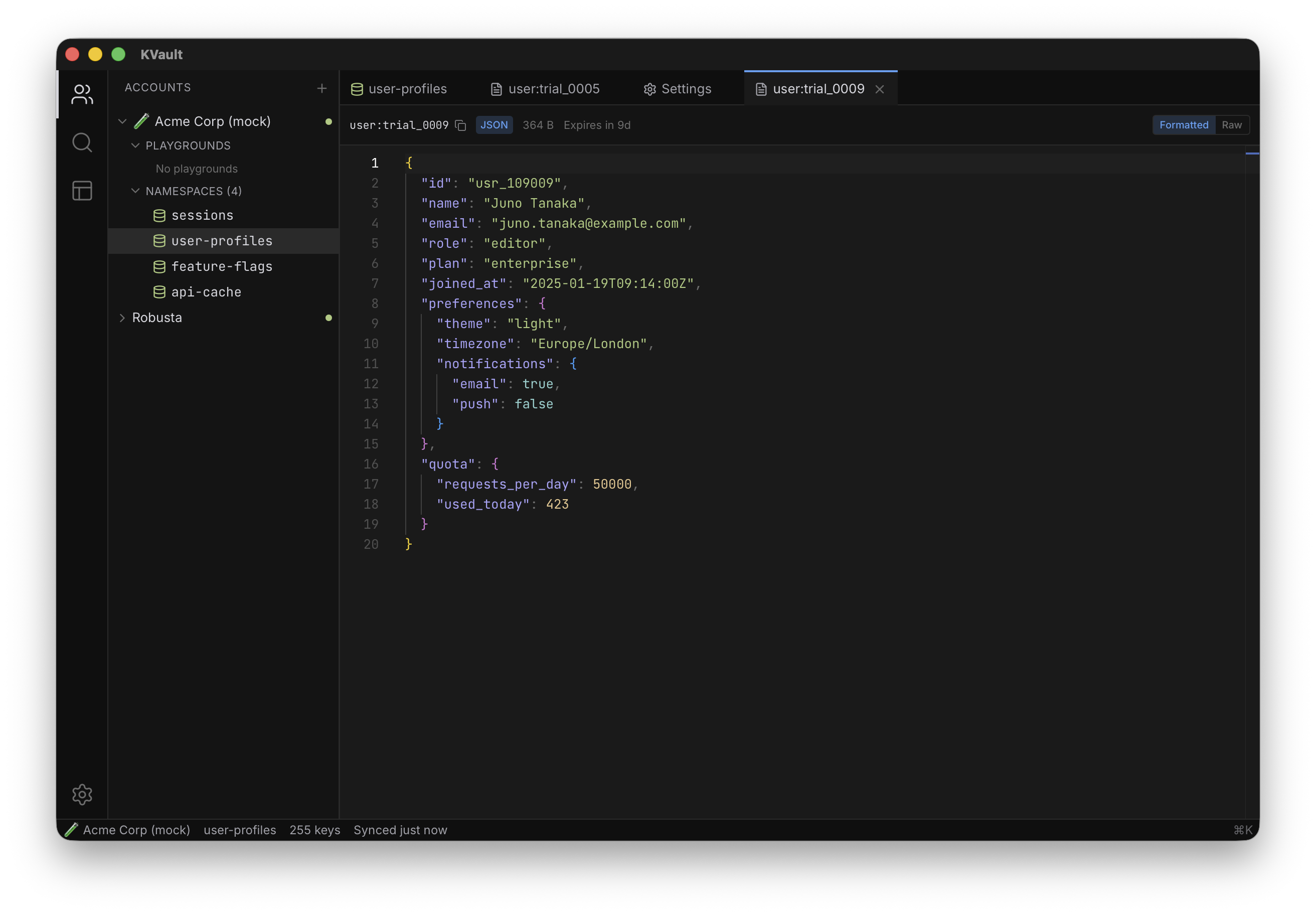
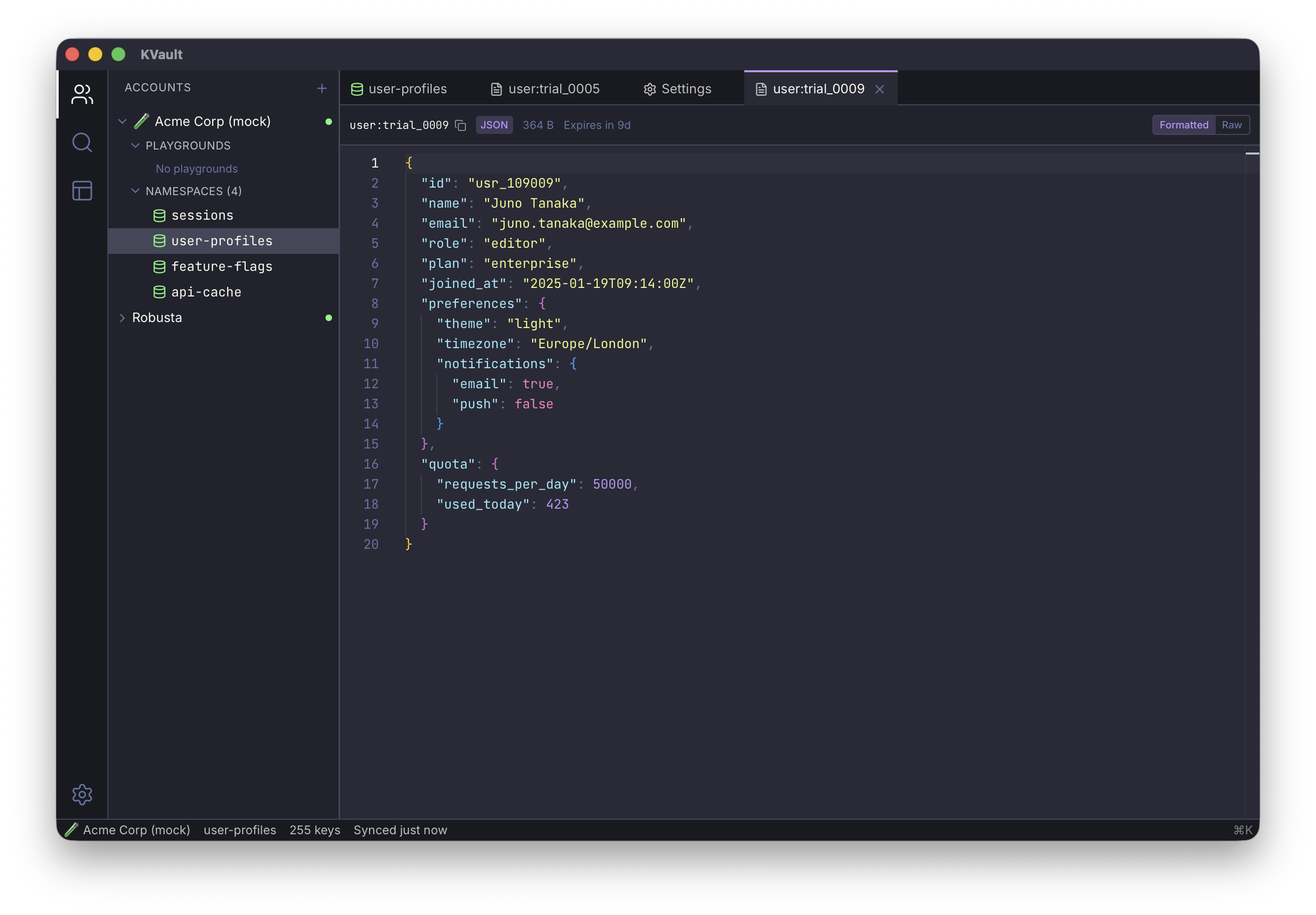
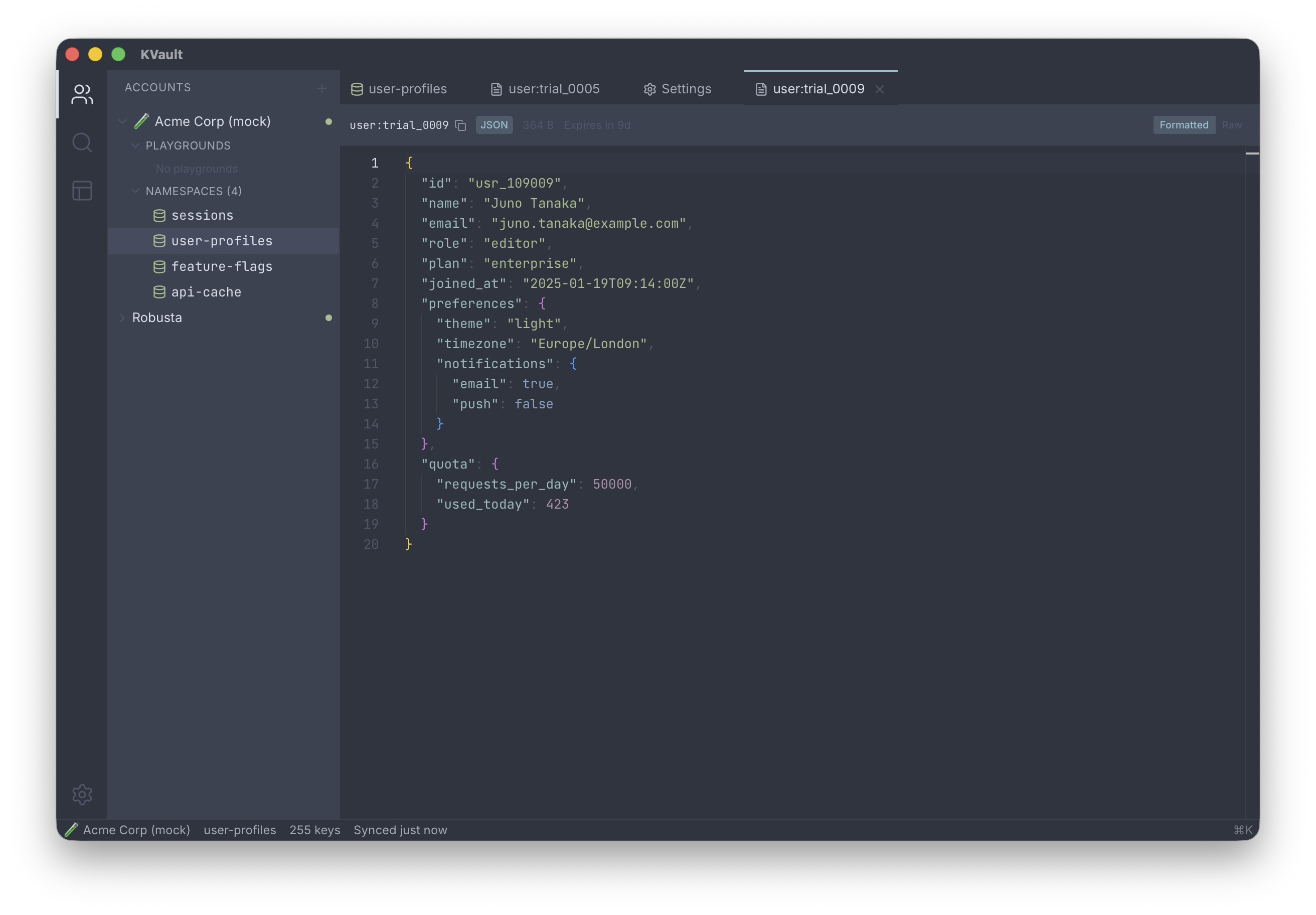
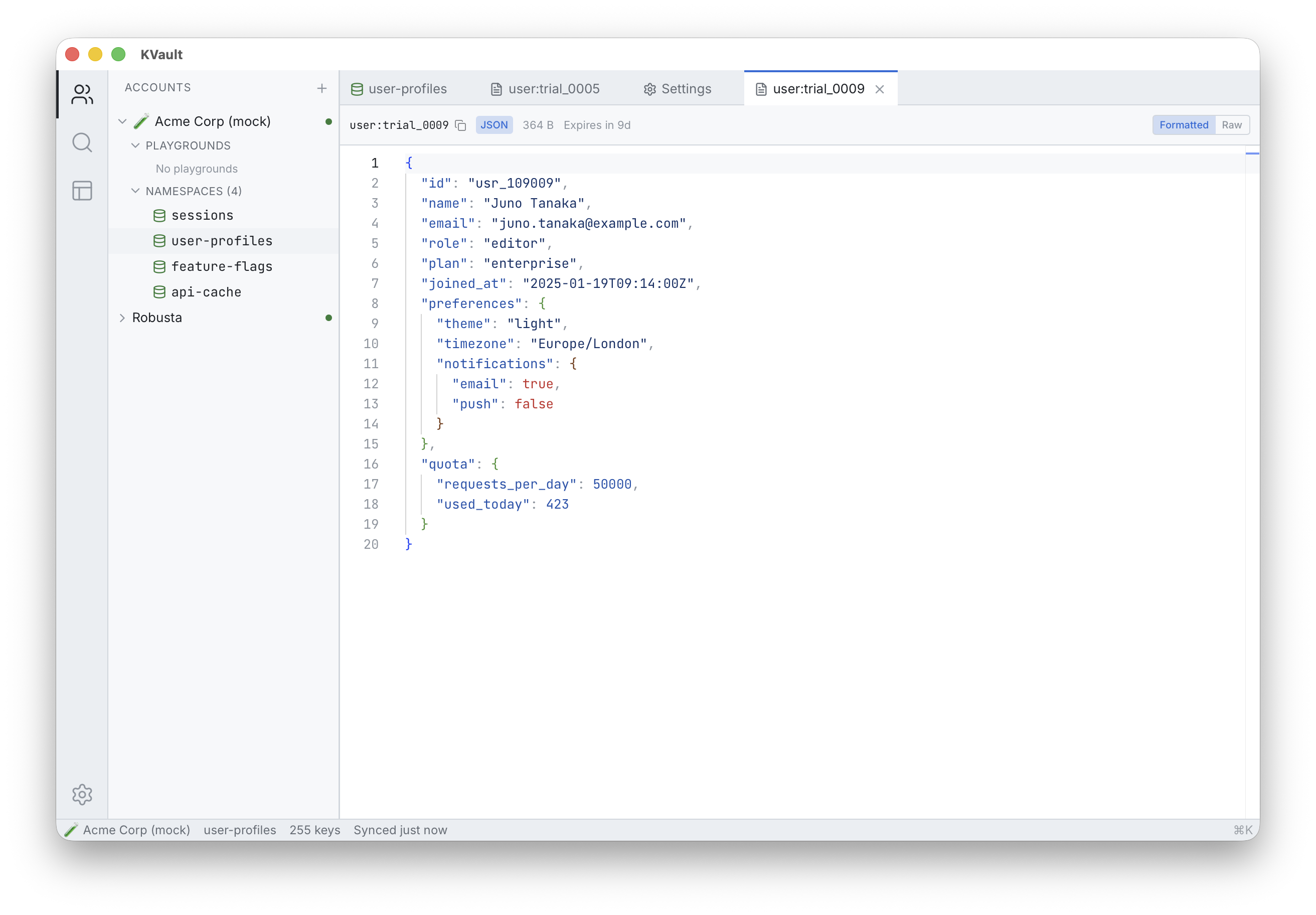
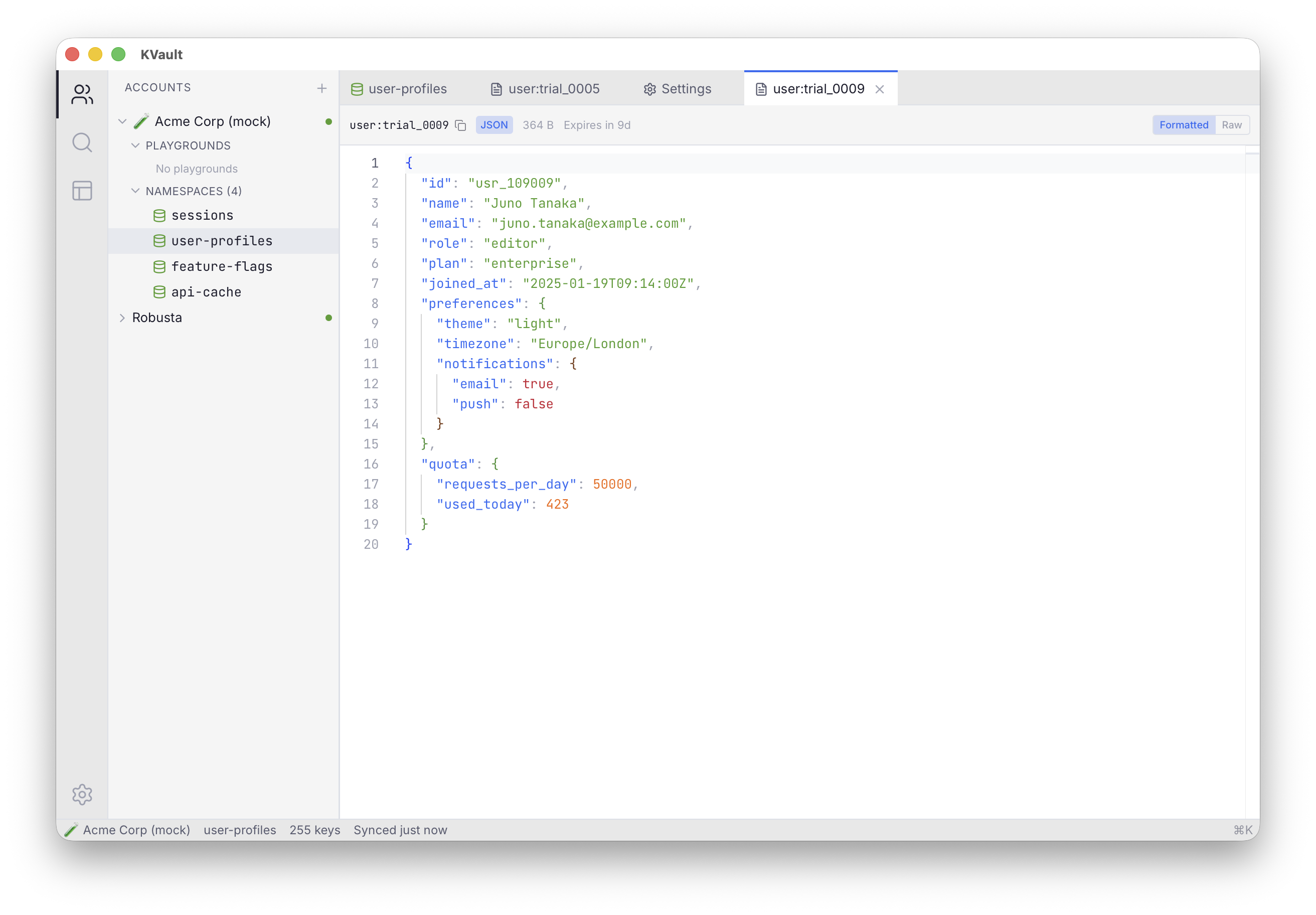
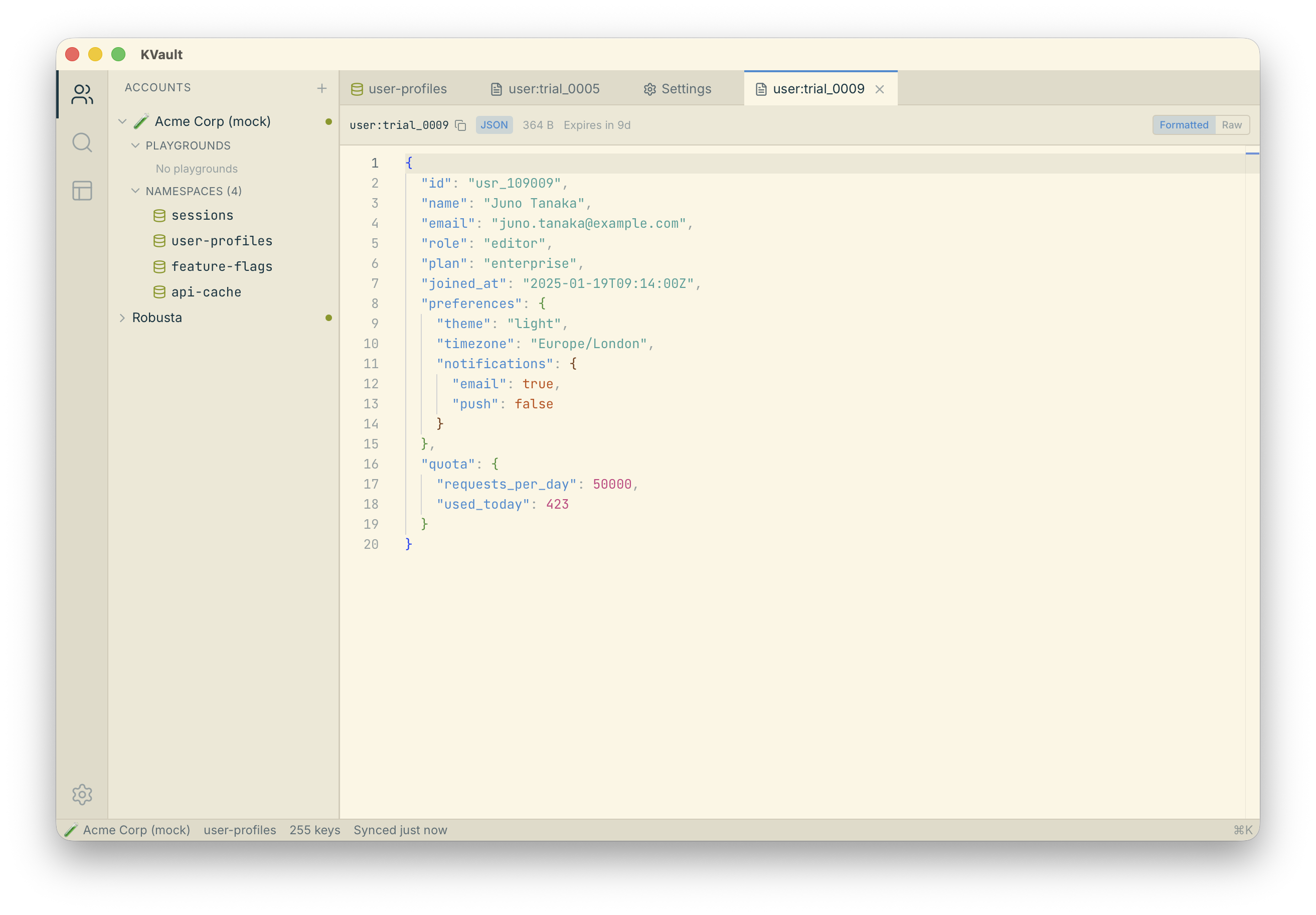
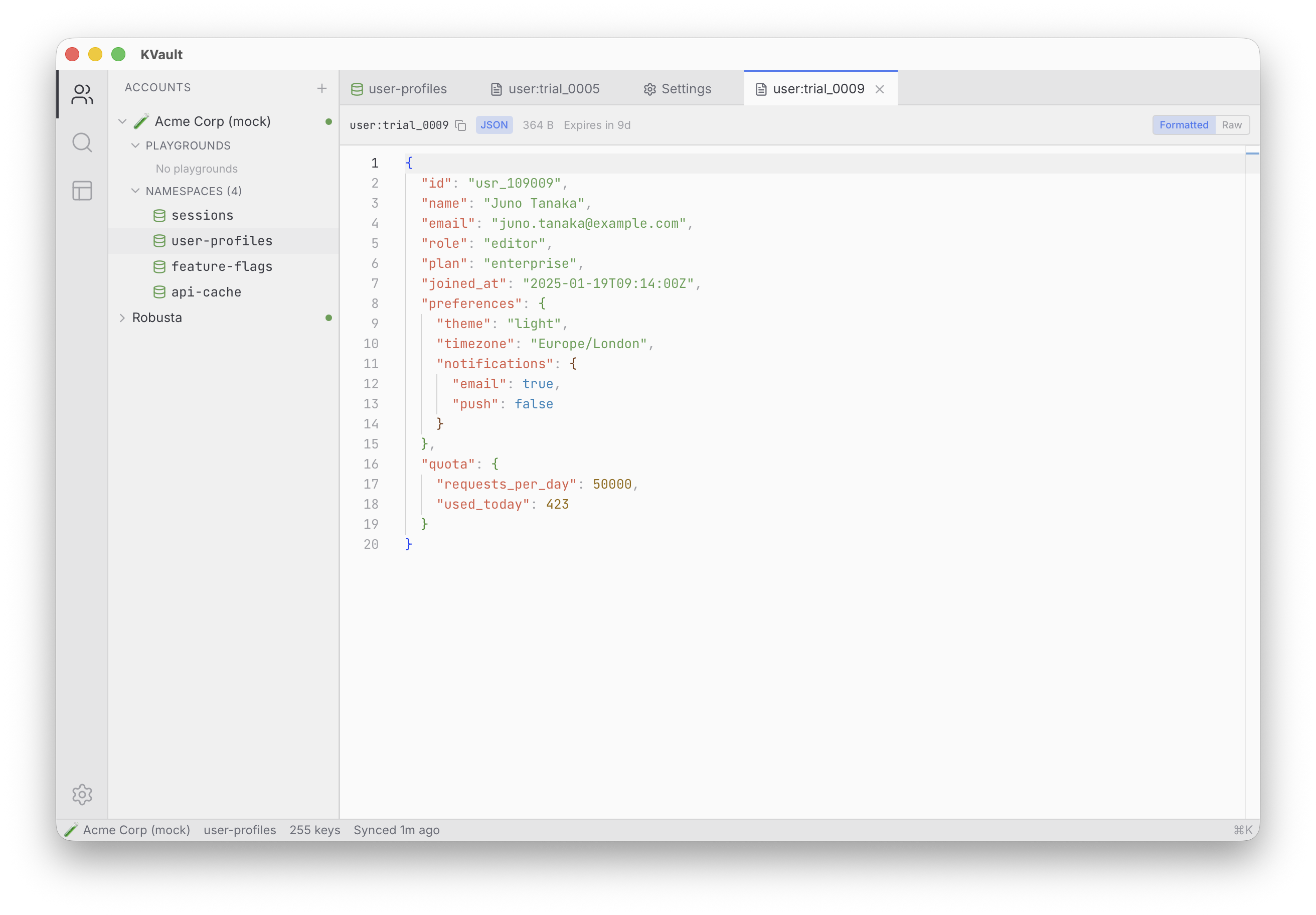
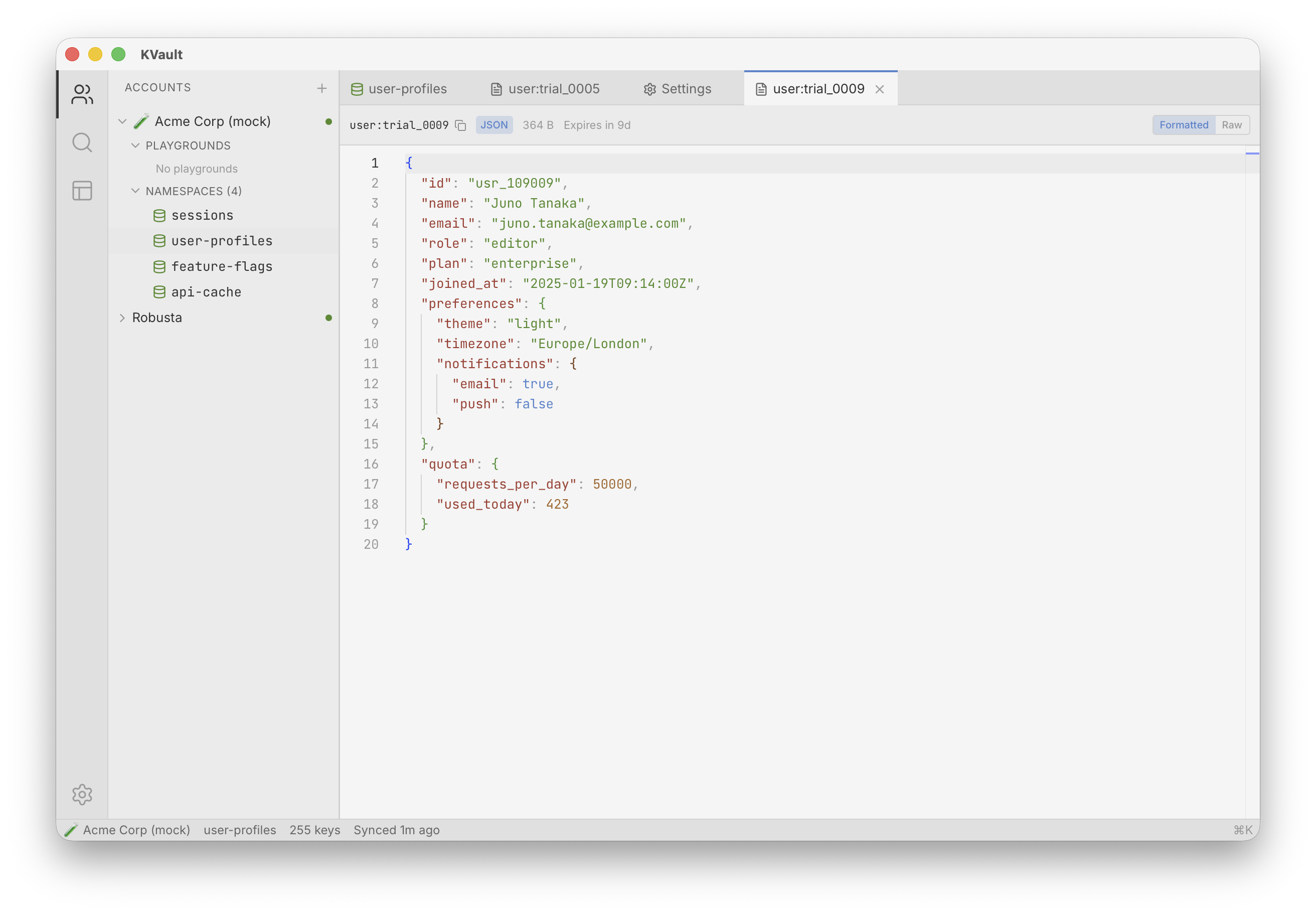
Ten built-in themes — Catppuccin, Dracula, Nord, One Dark Pro, Cursor Dark, and more — apply to both the UI and the code editor.
Overview
KVault ships with ten themes out of the box, split evenly between dark and light. Picking a theme updates everything together: the sidebar, tabs, key list, dialogs, and the code editor. The editor's syntax colors match the surrounding UI so you never get a jarring contrast between chrome and code.
Every theme defines a full palette — background layers, foreground tones, borders, accent, and accent states — so components look consistent across the whole app. The accent color also drives affordances like dirty-tab indicators and the active sidebar row, which means a theme change is immediately visible everywhere.
How to use it
Open settings with Cmd , and pick a theme from the theme picker — it applies instantly, no restart. The command palette also exposes each theme as its own command, so you can switch themes from the keyboard with Cmd K, type the theme name, Enter.
Your theme choice persists across sessions. Themes are part of the
settings store and are applied to both the UI (via CSS variables)
and the code editor (via its theme API) from a single source of
truth in src/themes/.
Tips
- Dark themes: Catppuccin Mocha, One Dark Pro, Cursor Dark, Dracula, Nord. Light themes: GitHub Light, Catppuccin Latte, Solarized Light, One Light, Quiet Light.
- Pair a theme change with a workspace restore to set the mood for a specific project.
- Want a custom theme? Themes live under
src/themes/— build from source and add your own. - The accent color in every theme drives the active sidebar state and the dirty-tab indicator — pick a theme whose accent reads well to you.