01 / startConnect in seconds
Drop in a token. Pick an account.
Paste your Cloudflare API token, and KVault loads every account, namespace, and key you have access to — no copy-pasting account IDs, no juggling dashboards.
A fast, native app for working with Cloudflare Workers KV — without the dashboard friction.
Paste your Cloudflare API token, and KVault loads every account, namespace, and key you have access to — no copy-pasting account IDs, no juggling dashboards.
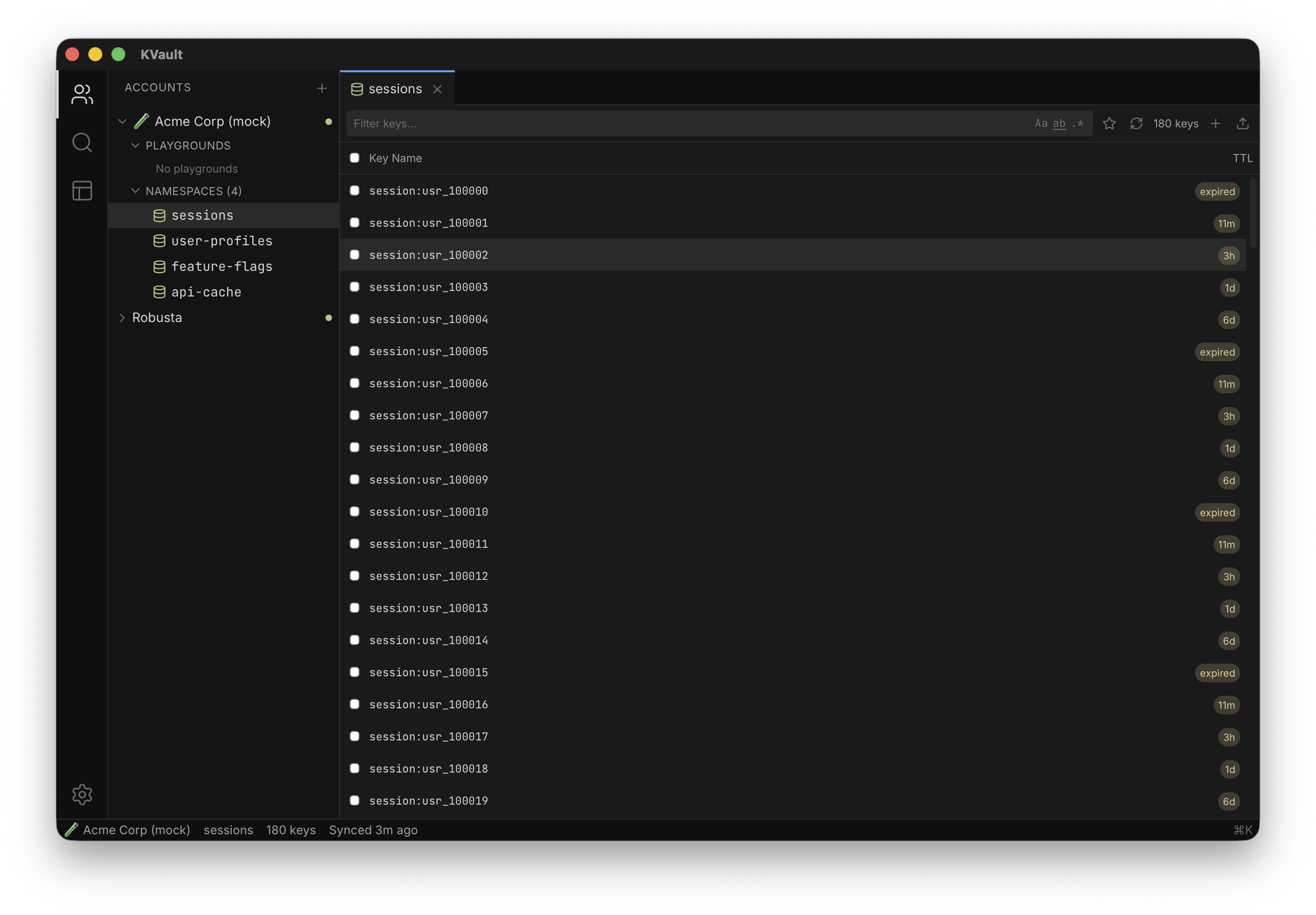
Key names cache locally, so listing and filtering tens of thousands of keys is instant. Each row shows TTL inline — 5d, 2h, or expired — no extra round-trip required.
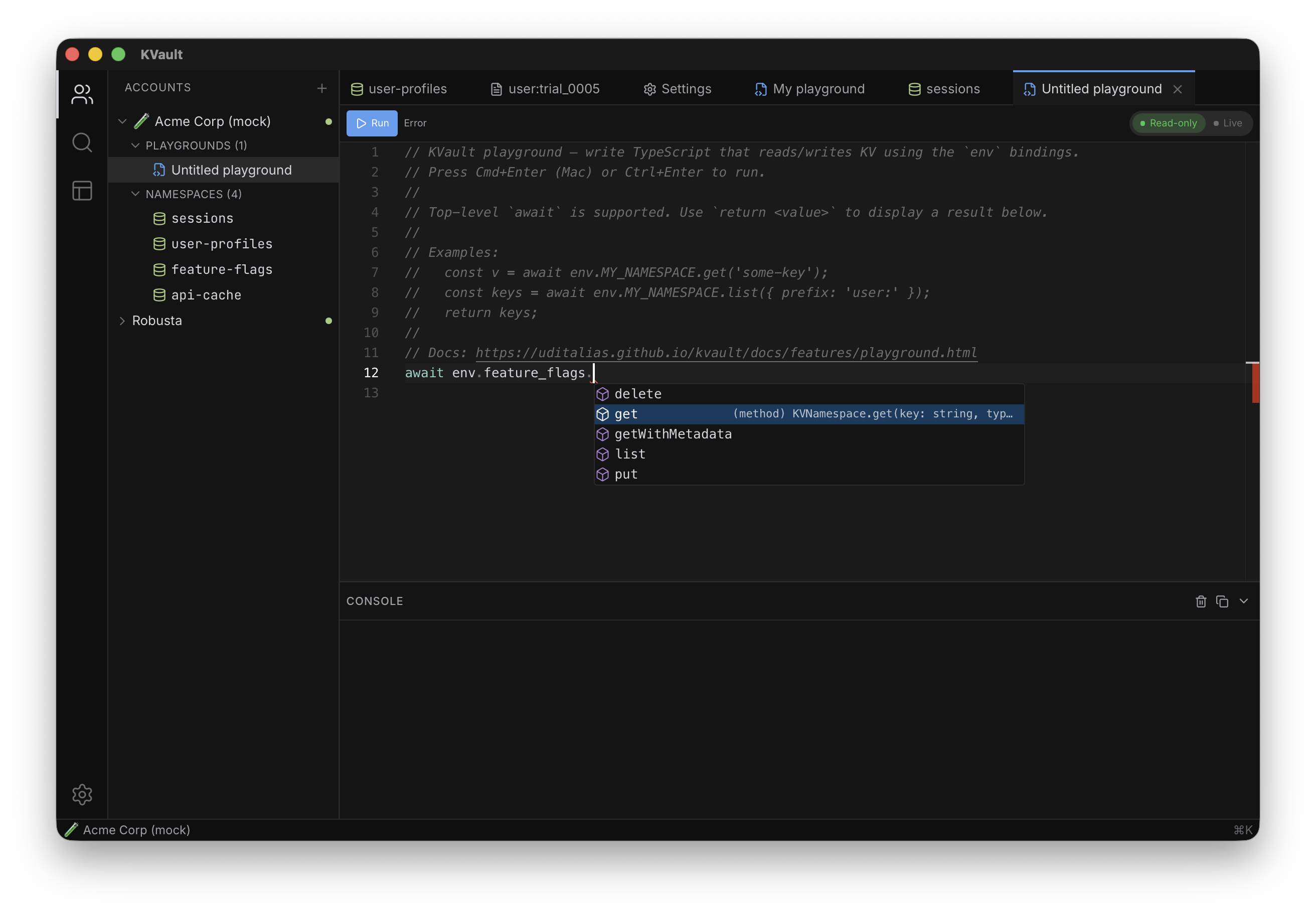
Autocomplete every namespace and KV method, hover docs, red squiggles on the wrong type. Sandboxed, transpiled locally, RPC'd to Cloudflare. Read-only by default — flip to Live when the script is right.
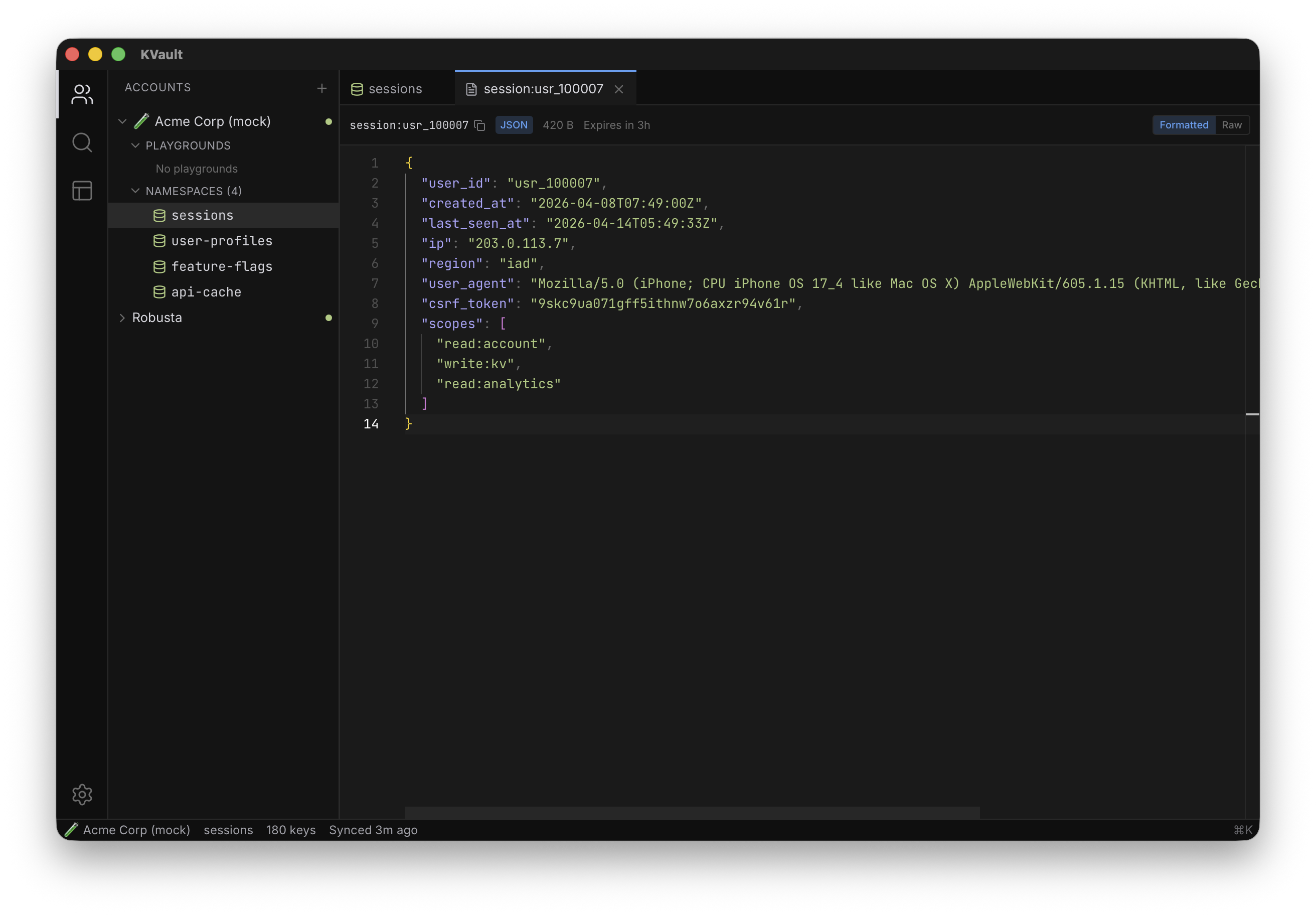
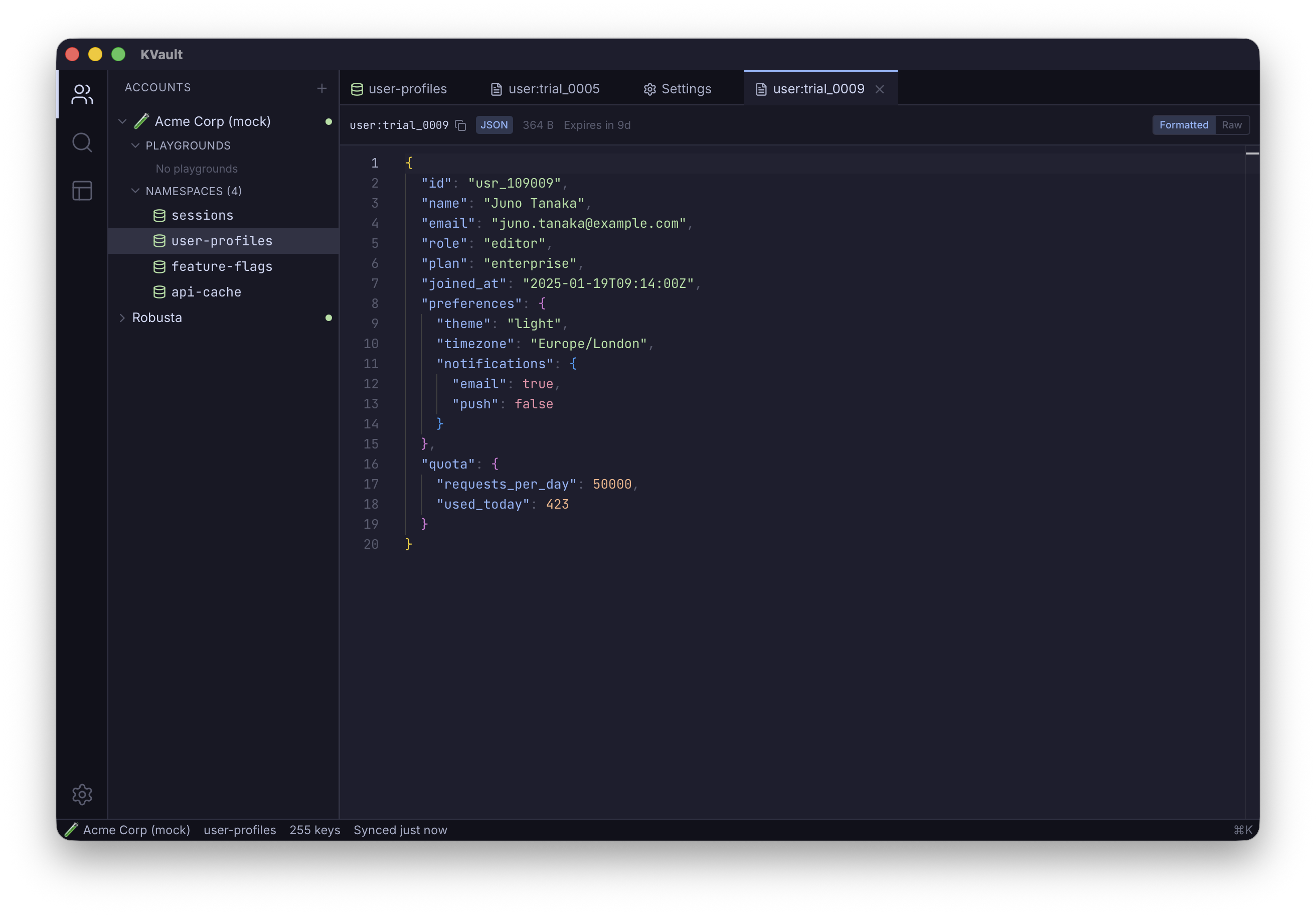
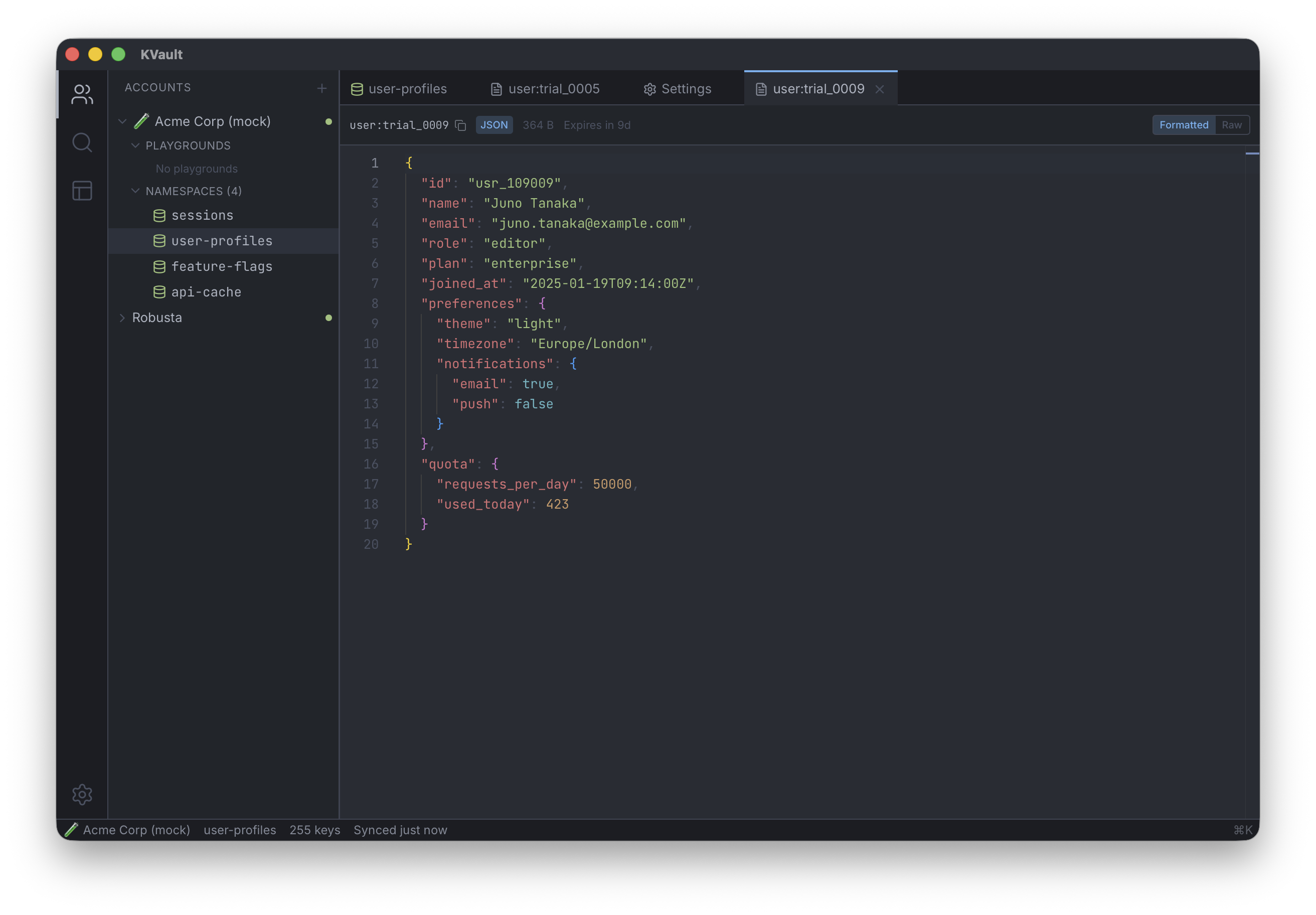
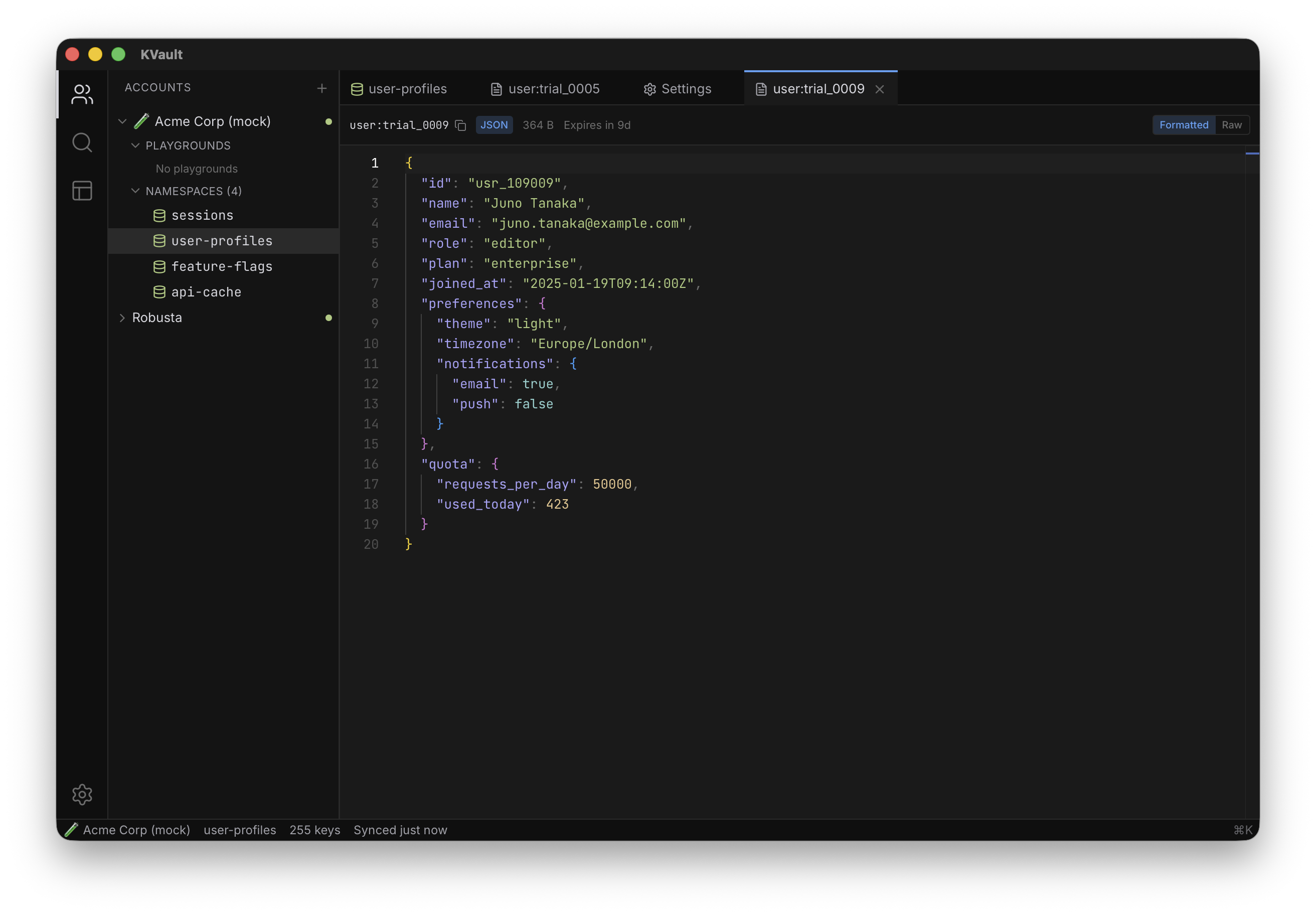
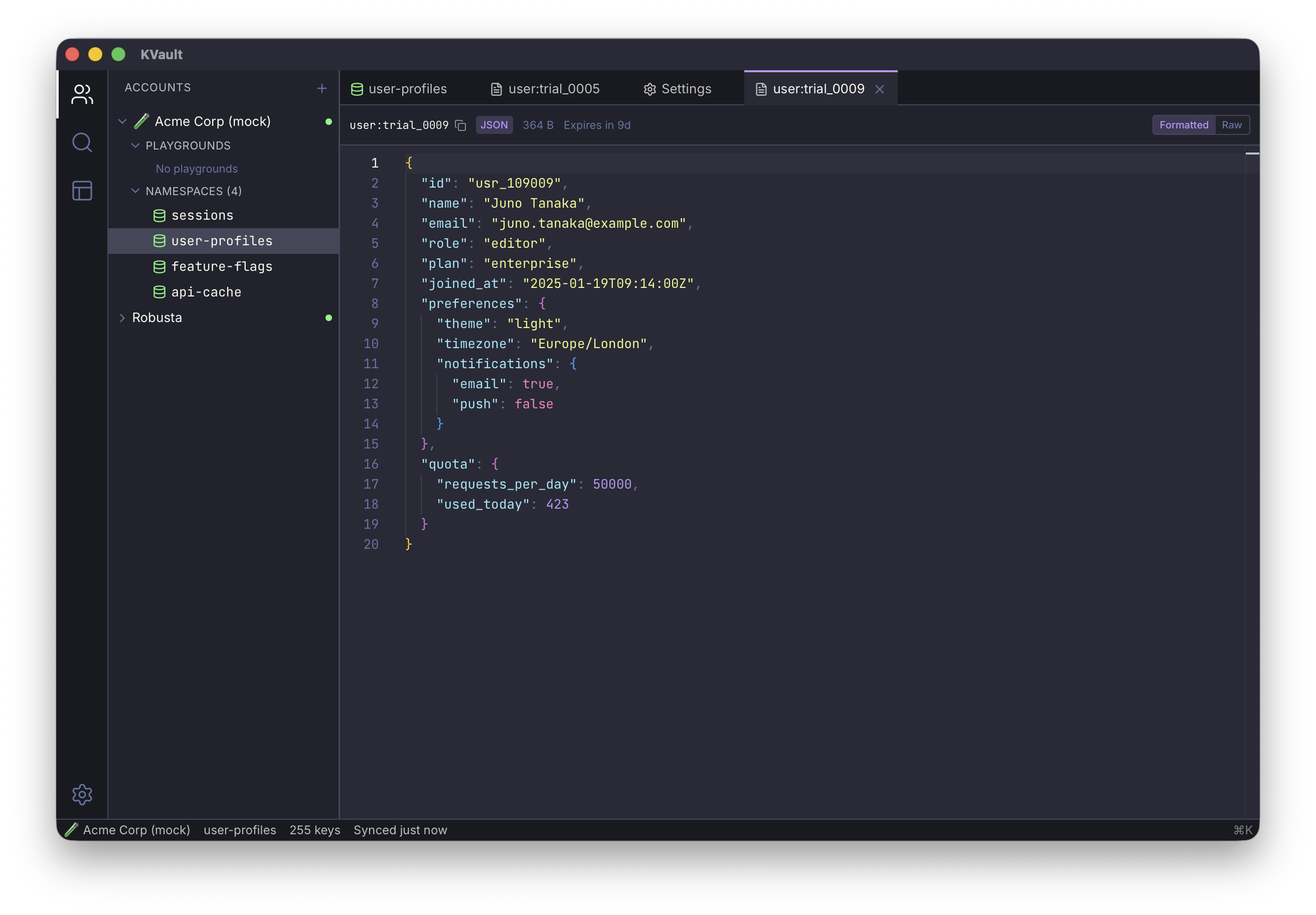
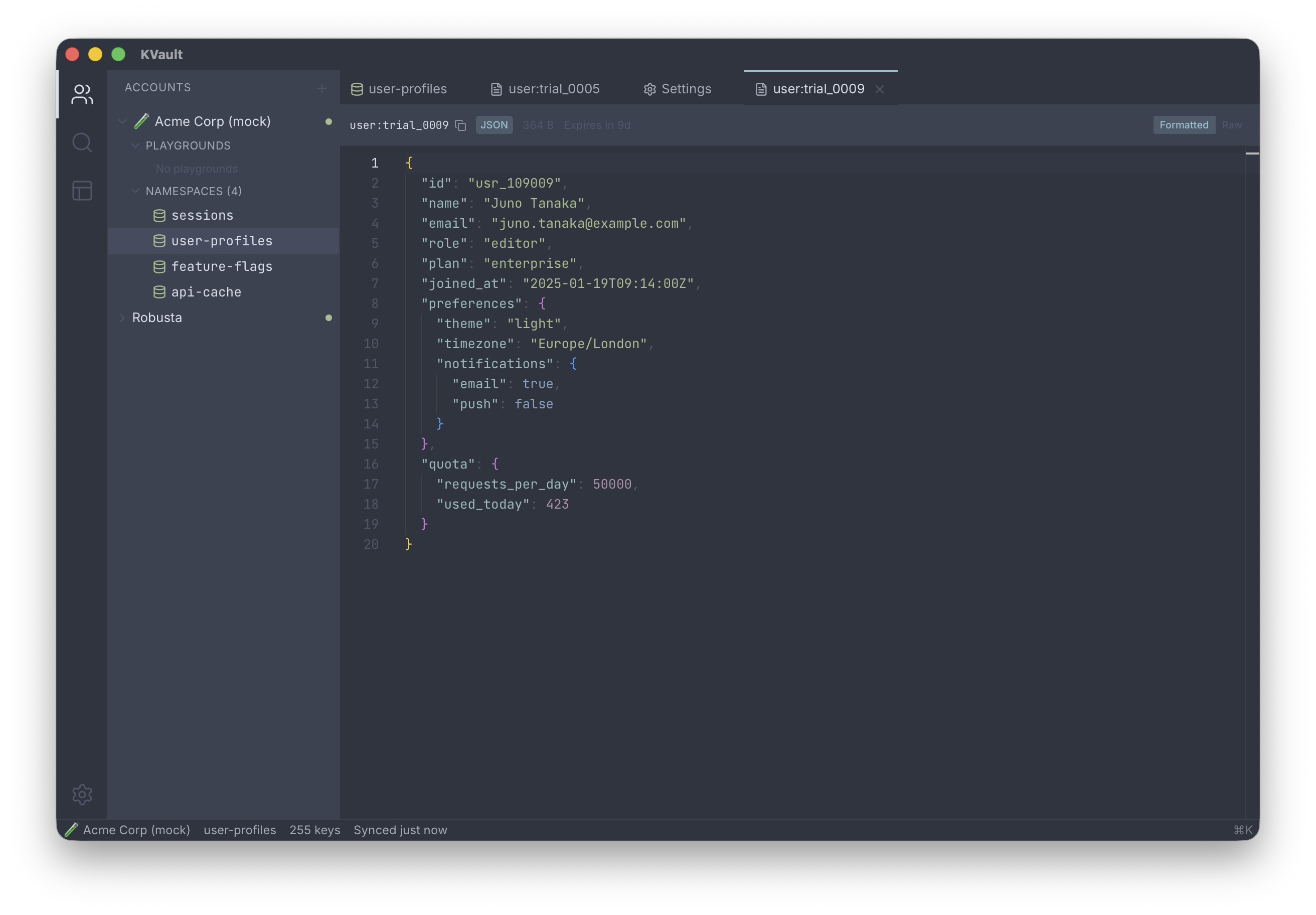
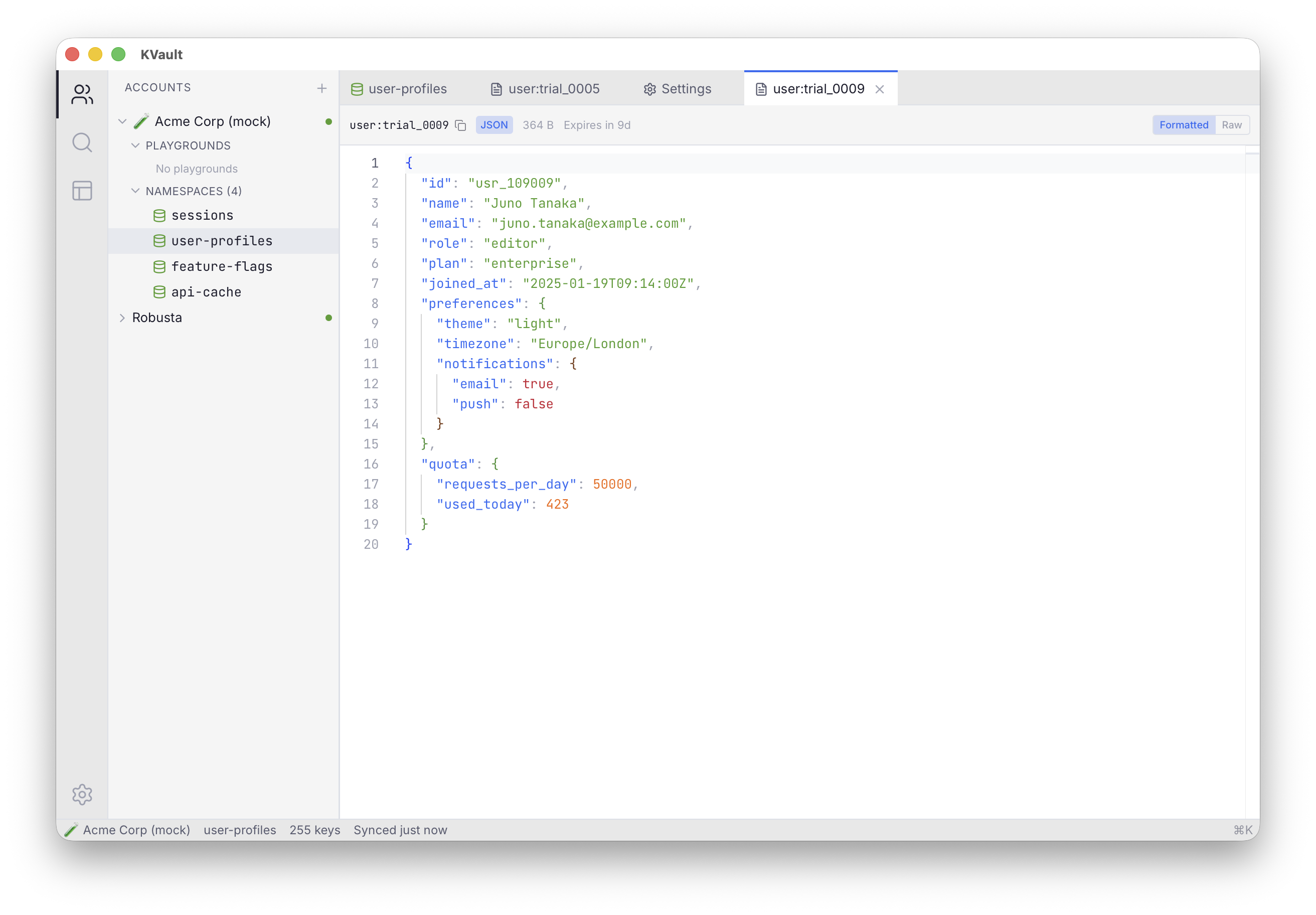
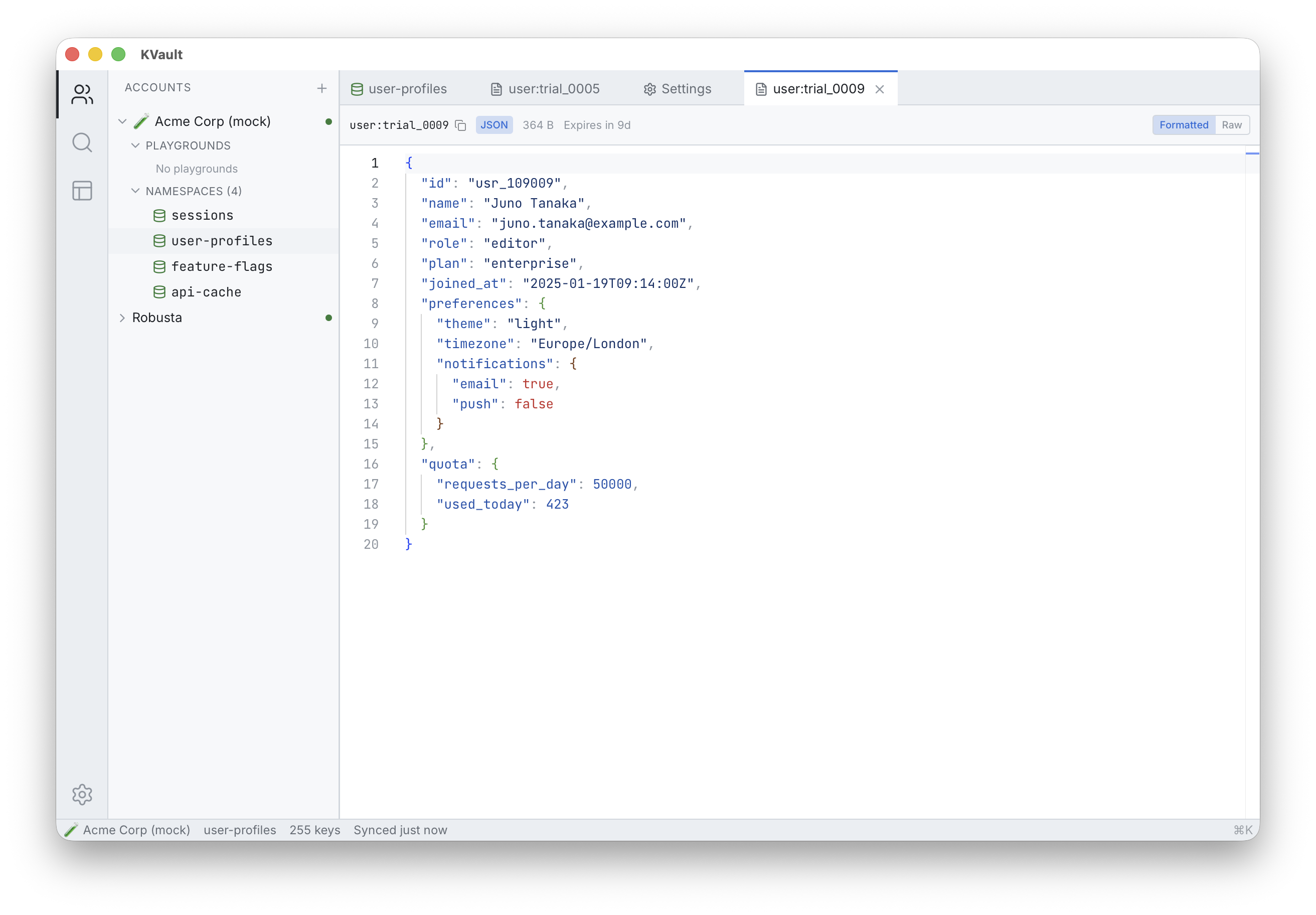
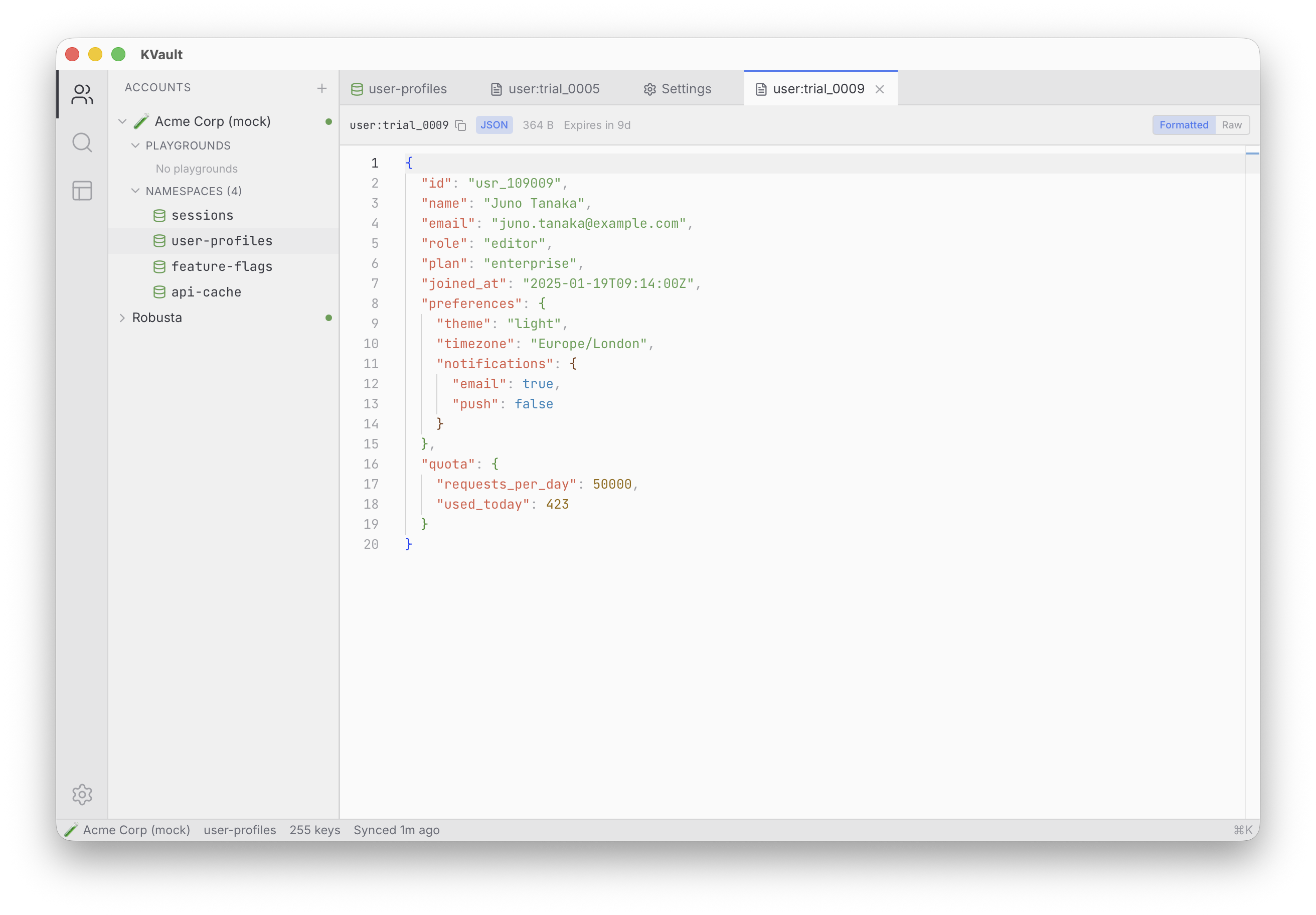
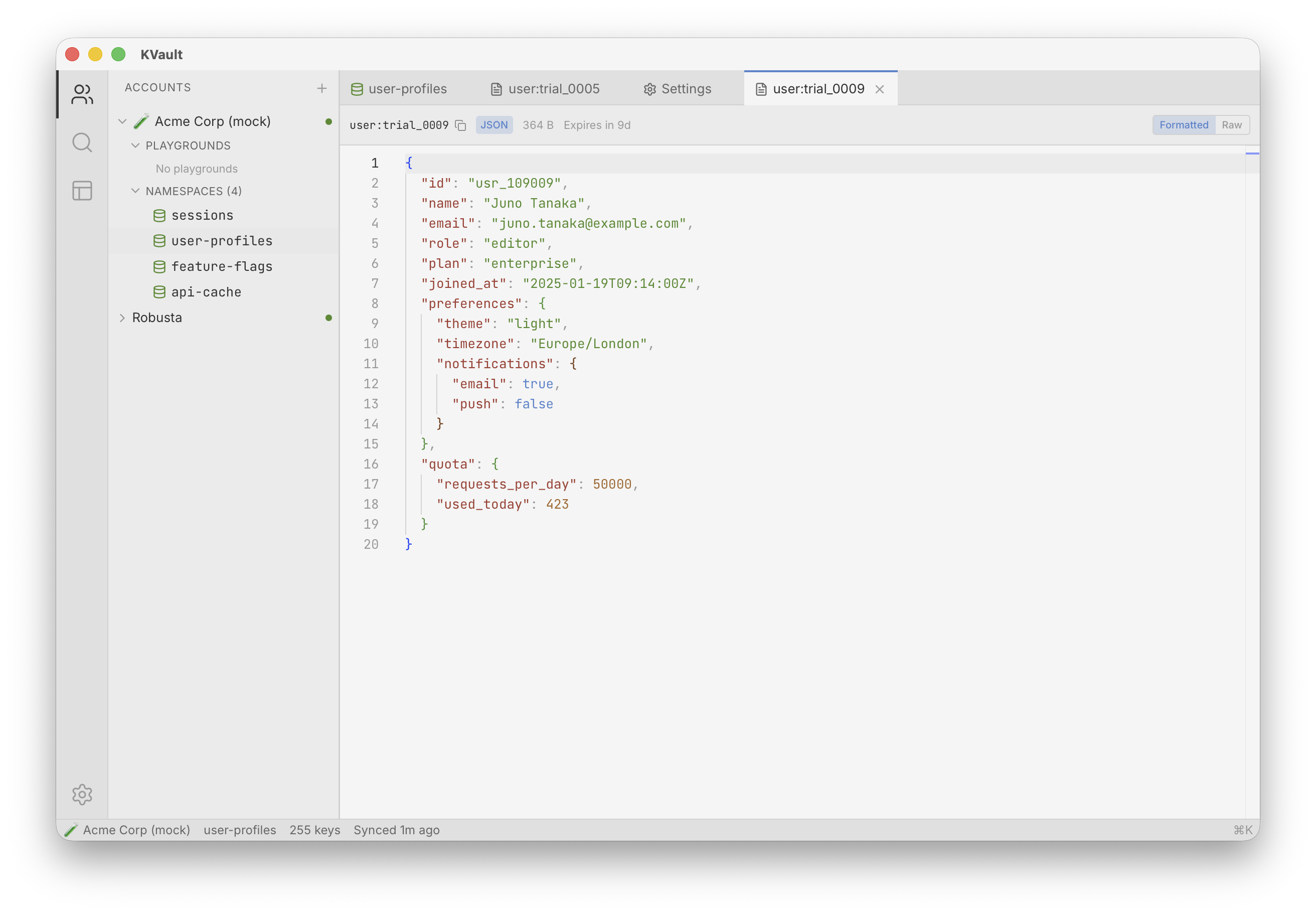
JSON gets auto-detected and syntax-highlighted. Format on demand. Theme it to match your terminal. Binary values fall back to a hex viewer with an ASCII column.
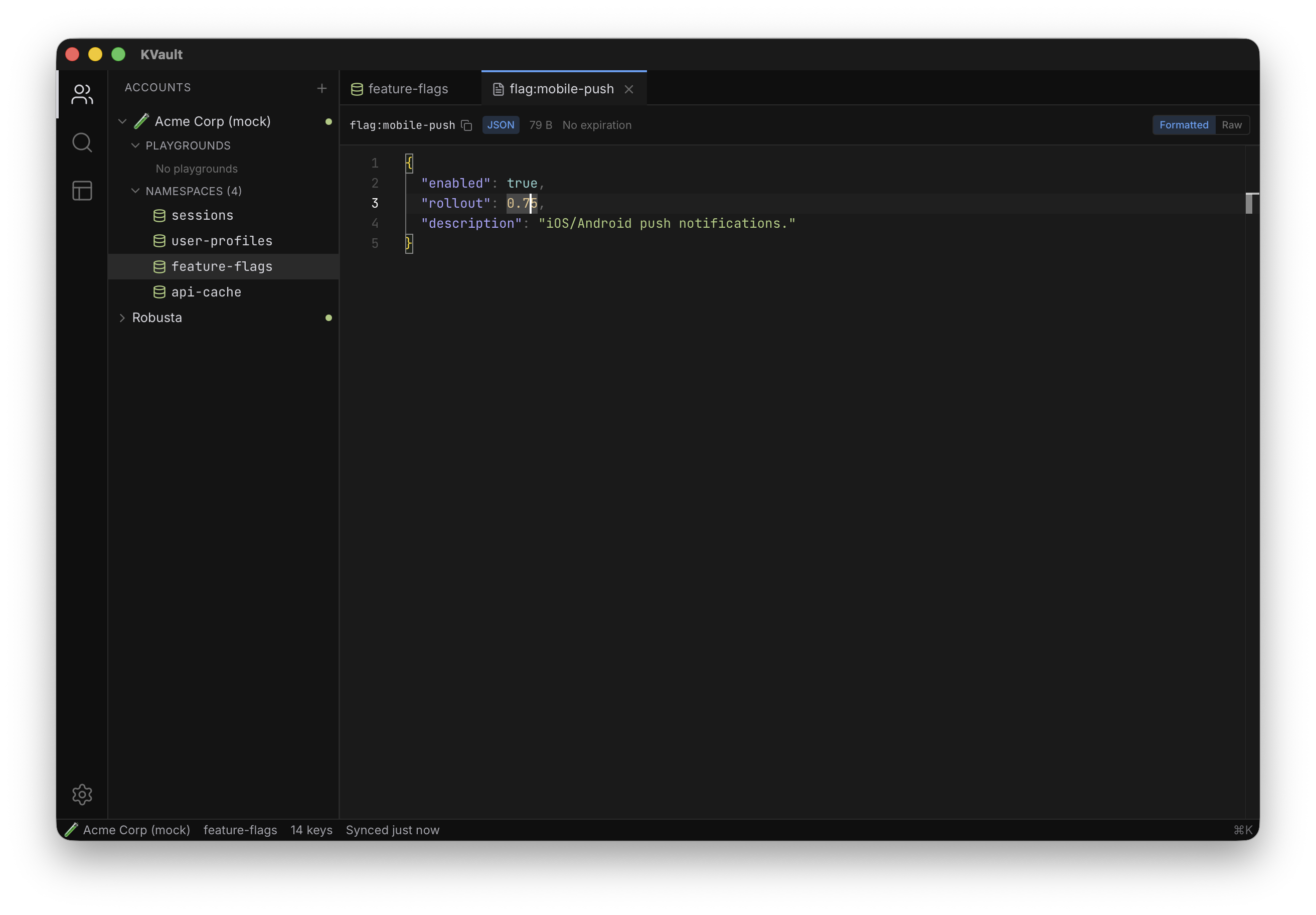
KVault tracks unsaved edits per tab and warns before you lose work. Saved values round-trip back to Cloudflare and the local cache stays in sync.
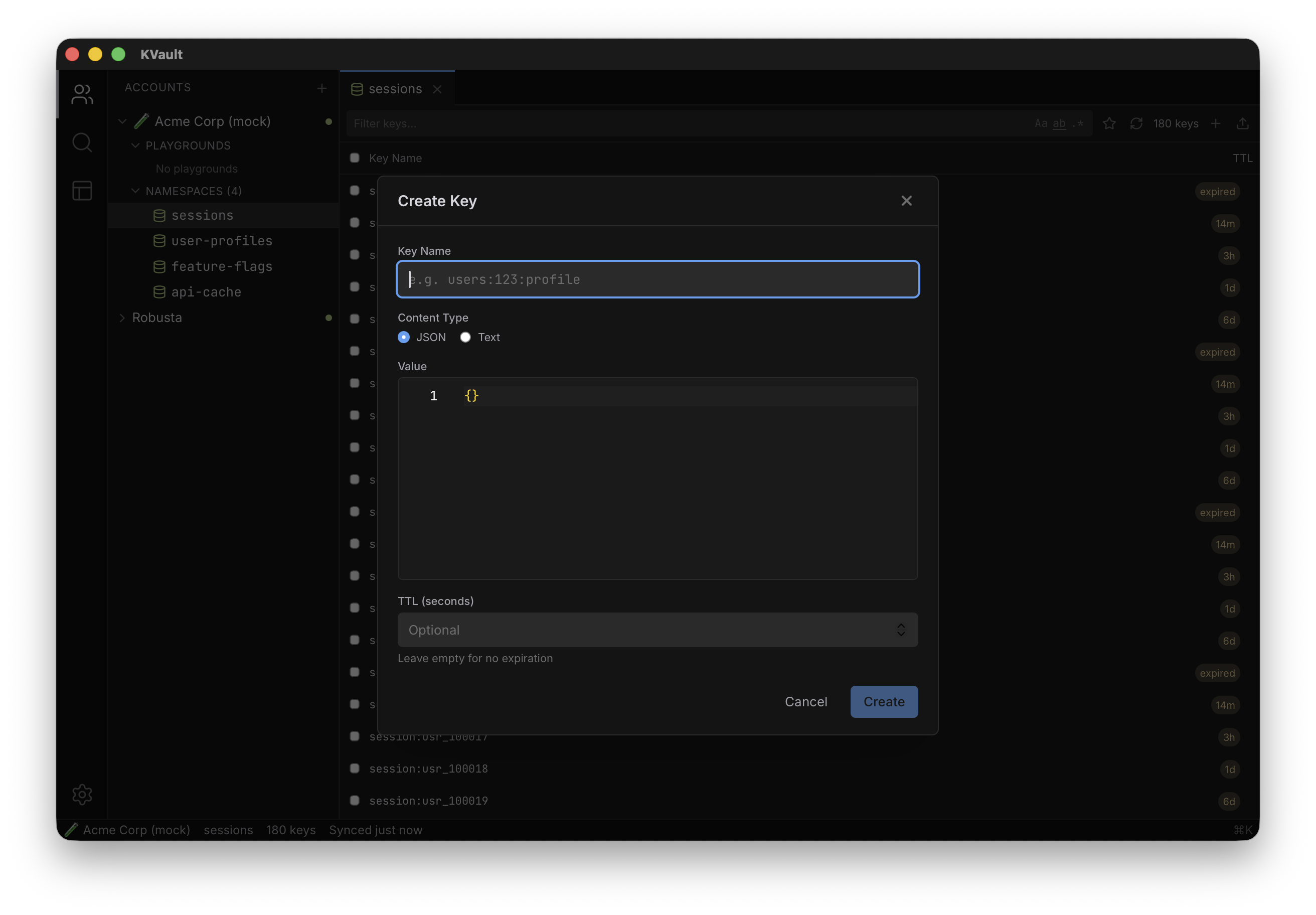
Inline validation, optional TTL, paste a JSON blob and KVault formats it for you. The new key shows up in the list the moment Cloudflare confirms.
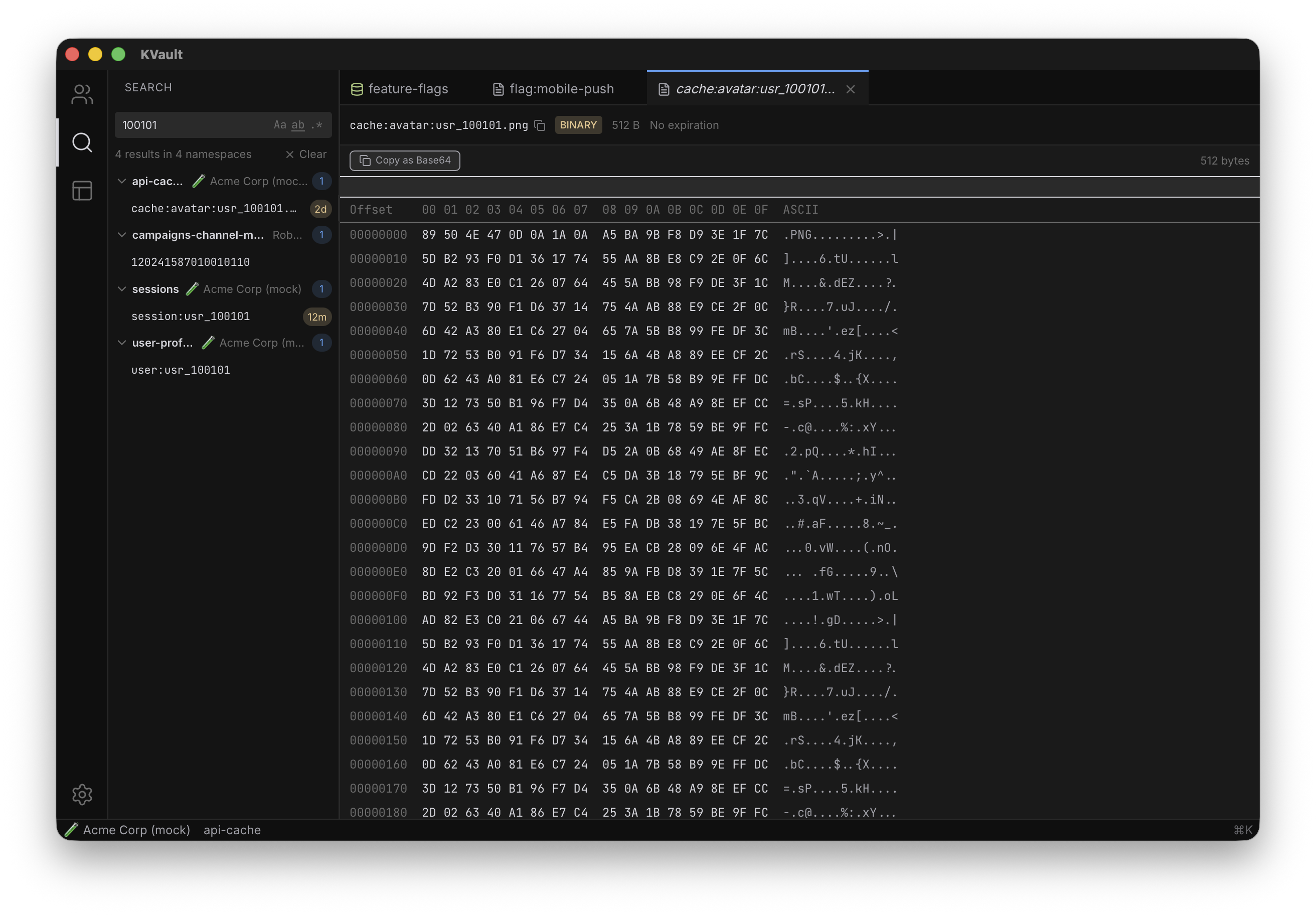
Plain, case-sensitive, whole-word, or full regex. Results group by namespace with match counts so you can jump straight to what you need — the thing the dashboard refuses to do.
Ten things the dashboard makes tedious — and how KVault handles them without ever leaving your keyboard.
Query every namespace across every account in one shot. Plain, case-sensitive, whole-word, or full regex. Results grouped by namespace with match counts.
IntelliSense, multi-cursor, find-in-file. Auto-detects JSON, formats on demand, tracks dirty state, saves with ⌘S.
Full IntelliSense — autocomplete every namespace and every KV method, hover docs, inline type checking. Sandboxed, transpiled locally, runs against Cloudflare over RPC. Read-only by default; flip to Live when the script is right. Automate what would take a hundred clicks.
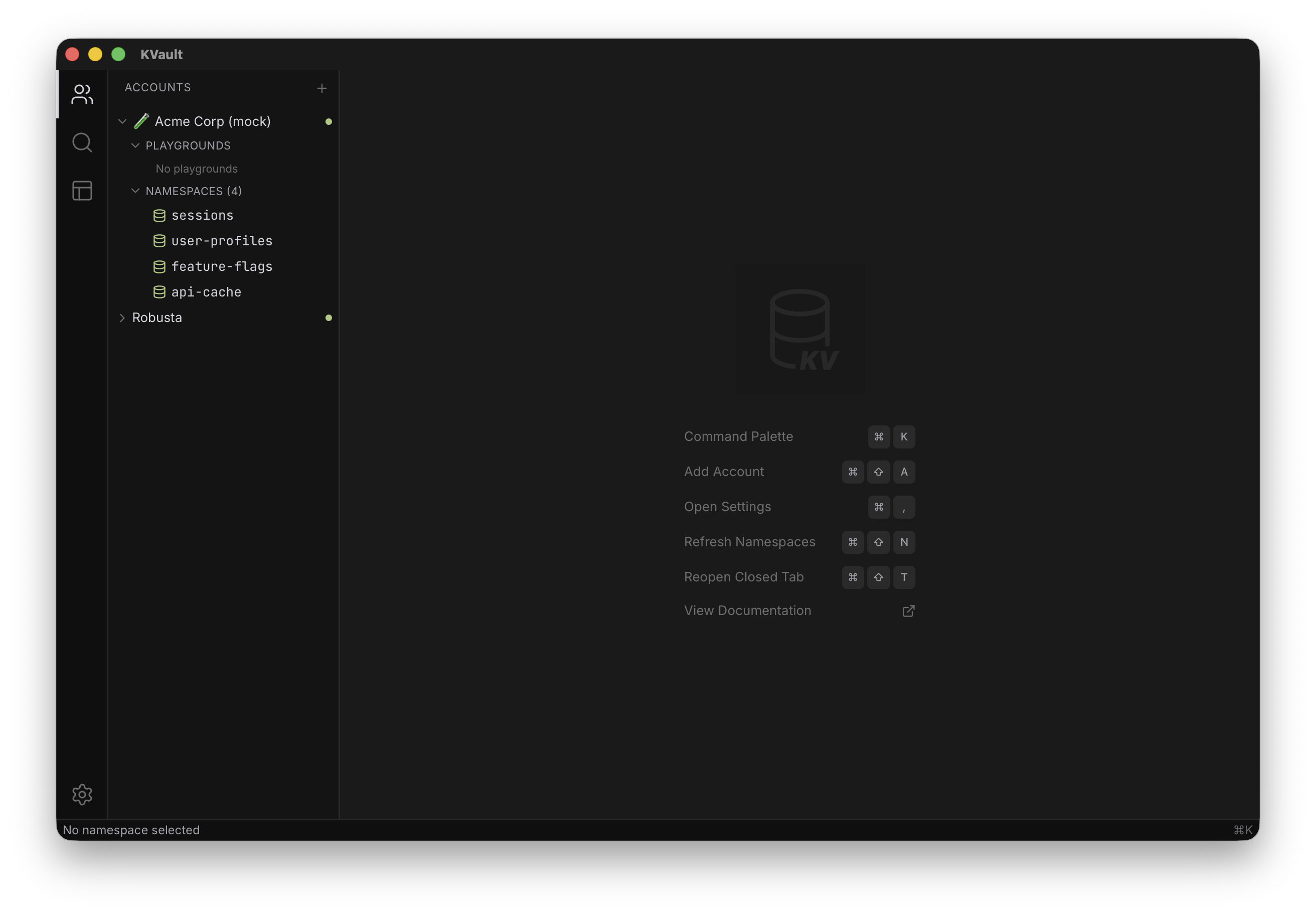
Preview tabs auto-replace. Reopen closed with ⌘⇧T.
Multi-select, batch delete, export to JSON/CSV, import with preview.
20+ actions — accounts, namespaces, keys, sync, themes — one hotkey.
Key names cache to SQLite for instant filter and search — values fetched on demand. API tokens live in your OS keychain, never plaintext, never the app DB.
Every key shows 5d, 2h, or expired inline.
Persist open tabs, active filters, sidebar state. Restore your exact debugging context tomorrow.
Hex viewer with ASCII column. Inline previews for PNG, JPEG, GIF. Text? Code editor. Image? Just show it.
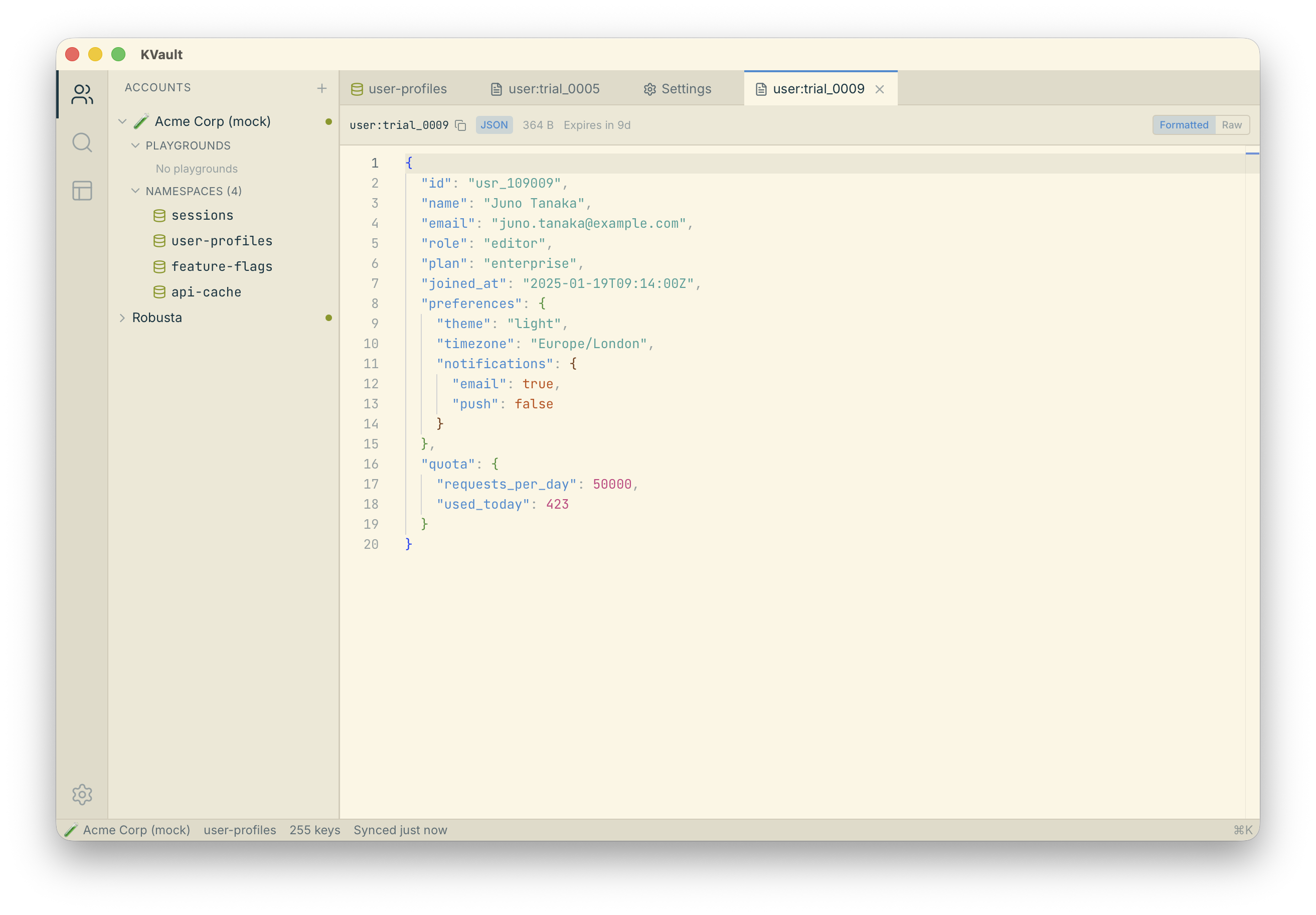
Applied consistently across the UI and the code editor — pick yours from Settings.
Pick your platform. Every build is MIT-licensed and open source.
Free and open source. Or build it yourself.