Free & Open Source
CCStatsOSX

Claude usage,
always visible

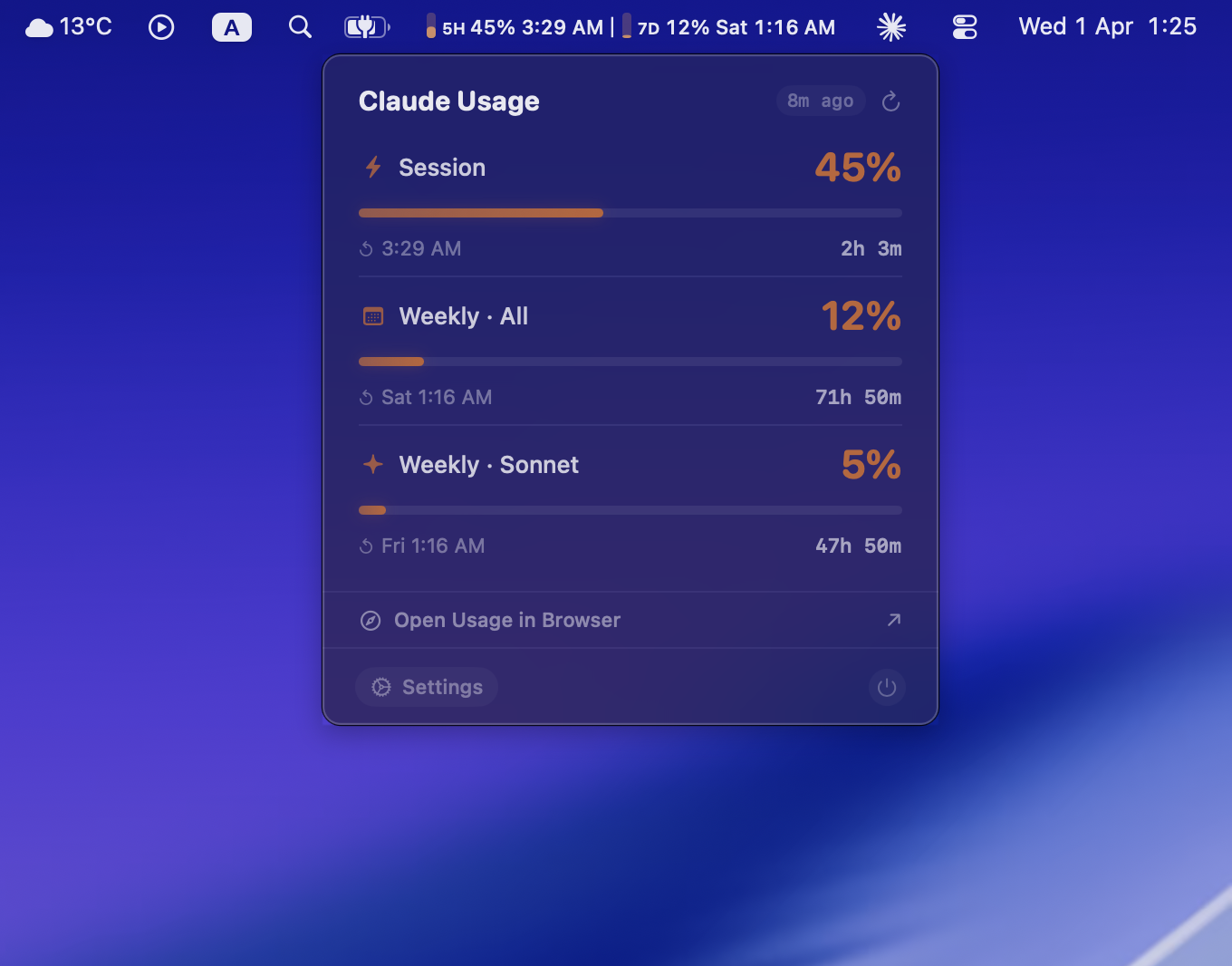
Monitor your Claude AI rate limits across all services — Code, Web, Desktop, and Cowork — right from your macOS menu bar.

Download for Mac View on GitHub

v1.0.4 · macOS 13+ · 3MB

CCStatsOSX in action

Every Claude Code user knows the status line — that little bar at the bottom of your terminal that tells you exactly where your usage stands. It's great. But the moment you switch to Claude Desktop or the web app, it's gone. You're on your own. And the only way to check is to open a browser, go to settings, and stare at a usage page. I did that dance enough times to finally snap and build a menu bar app that gives me that same status line — no matter which Claude app I'm using. No clicks, no windows, no context switching. Just glance up and it's there.
Everything at a glance

No more switching to the browser to check your limits. It's all right there in the menu bar.

Live Menu Bar

See your 5-hour and 7-day usage percentages, countdown timers, and progress bars — without clicking anything.

🎨

Color-Coded Alerts

Configurable warning and critical thresholds. The menu bar turns orange then red as you approach your limits.

🔔

Notifications

Get macOS notifications when you hit 70% or 90% usage. Never get rate-limited by surprise again.

📊

Model Breakdown

See per-model usage — Sonnet, Opus, and Cowork limits each tracked separately when available.

⌨️

Quick Actions

Right-click the menu bar icon to refresh, open Claude usage settings in browser, or quit.

🔒

Privacy First

Zero tokens consumed. No analytics. No telemetry. Everything stays on your Mac. Fully open source.

Three steps, that's it

CCStatsOSX uses the same credentials as Claude Code — no extra setup needed.

1

Install Claude Code

If you haven't already, install Claude Code and log in. CCStatsOSX reads the credentials it creates.

2

Download CCStatsOSX

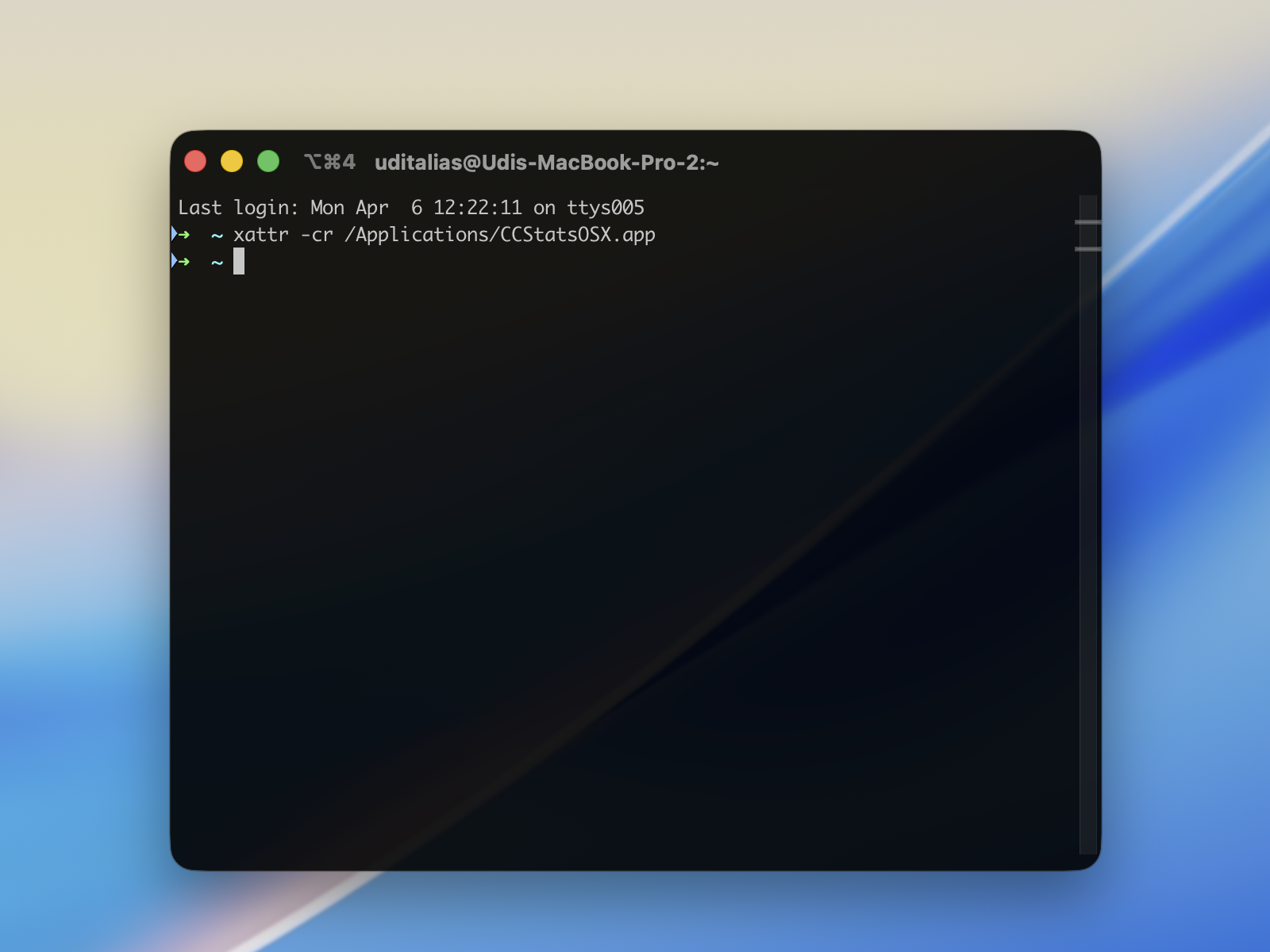
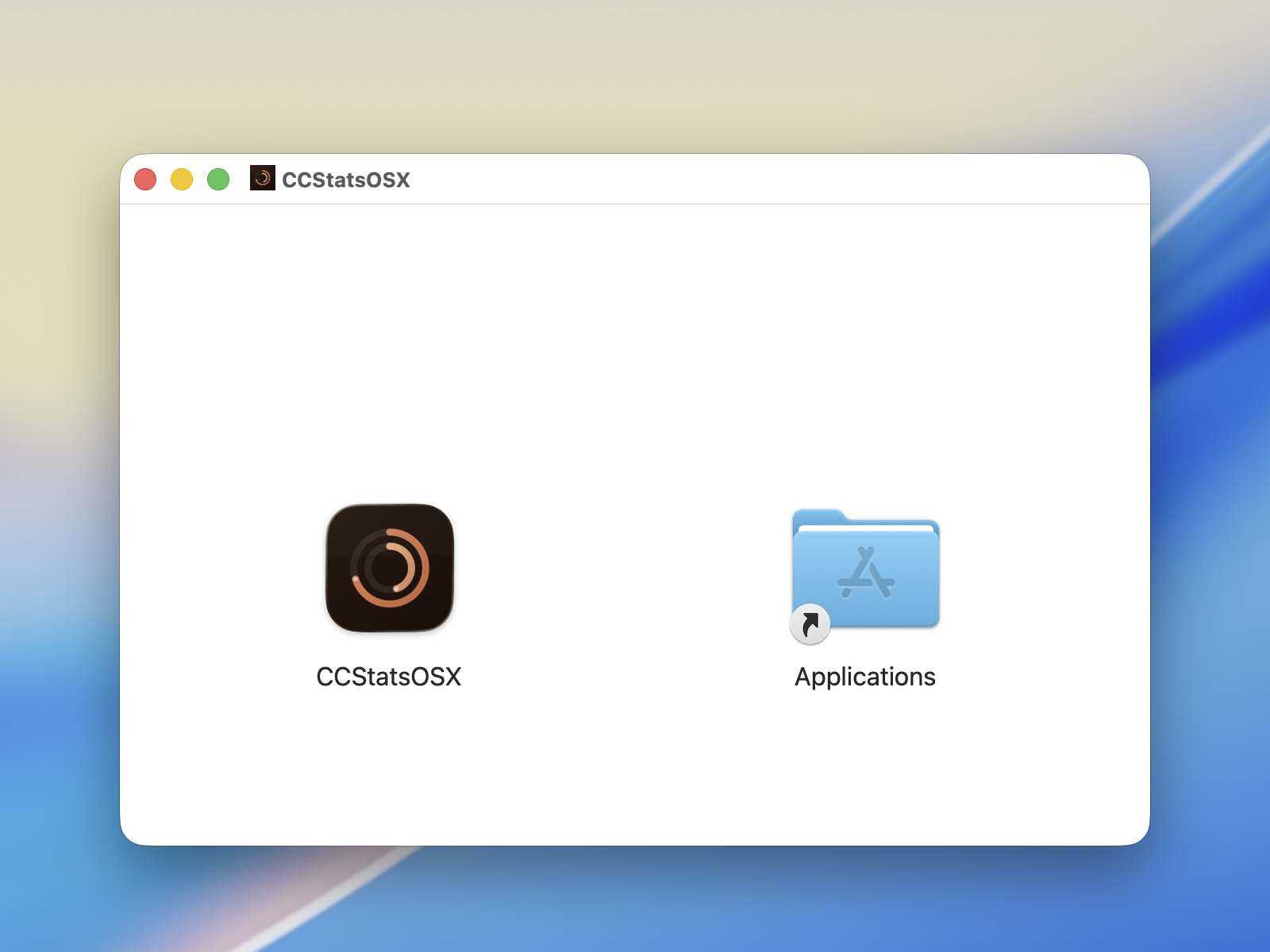
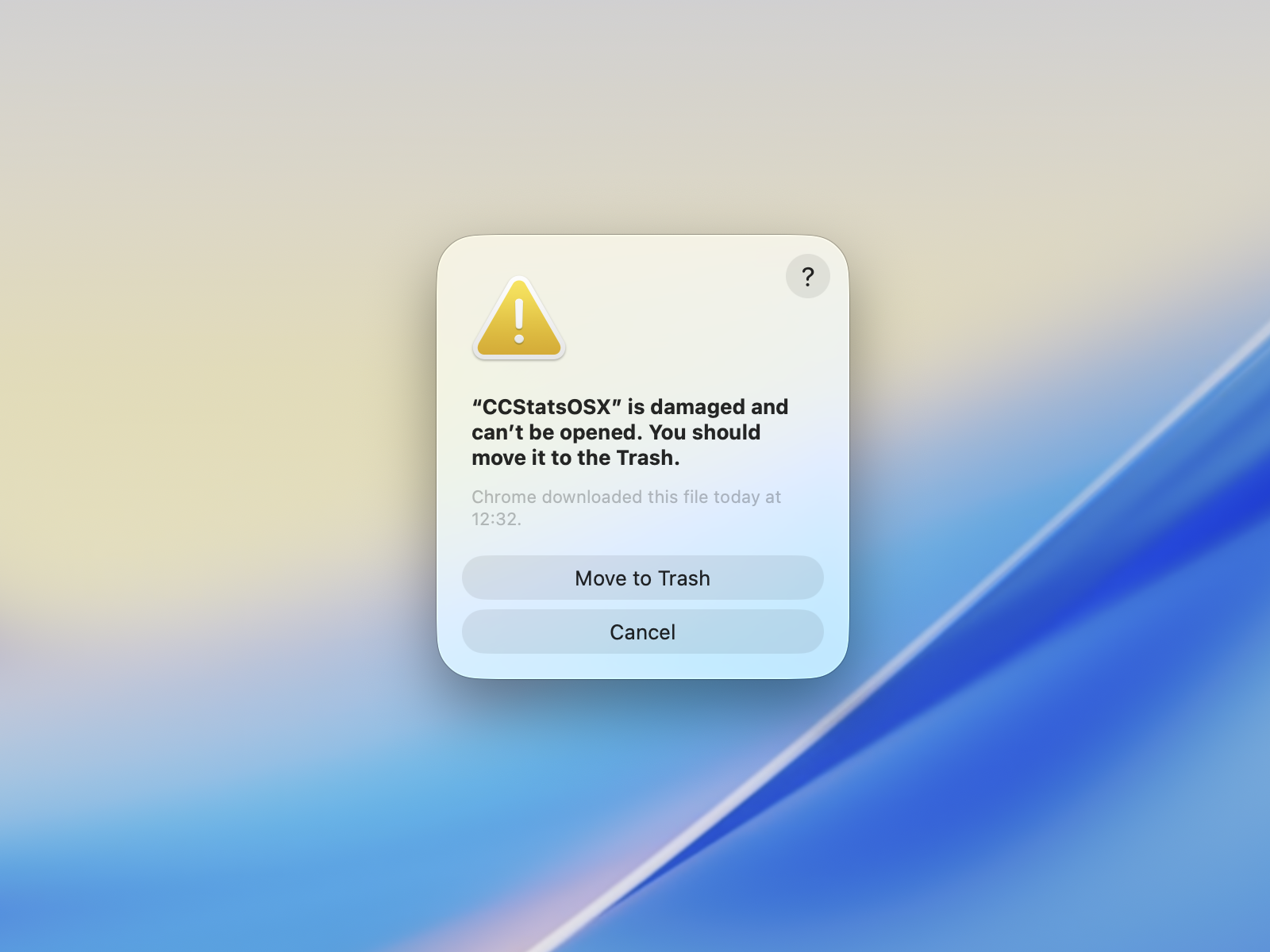
Open the DMG and drag the app to Applications. If macOS blocks it, right-click the app and select Open. If you see "damaged and can't be opened", run xattr -cr /Applications/CCStatsOSX.app in Terminal. Allow Keychain access when prompted — just once.

3

Glance at your menu bar

Your Claude usage appears instantly. Live percentages, countdown timers, and a detailed popover on click.

Ready to try it?

Free, open source, and takes 10 seconds to install.

Download for Mac
🍎 macOS 13+📦 ~3MB⚡ Zero tokens